 USD
USD EUR
EUR GBP
GBP CAD
CAD AUD
AUD HKD
HKD JPY
JPY KRW
KRW SGD
SGD NZD
NZD THB
THB TWD
TWD 繁體中文
繁體中文 日本語
日本語 한국어
한국어 English



Download Center
Welcome to our official Download Center.
This page provides step-by-step instructions for downloading, installing, and updating applications on popular Android TV boxes, including EVPAD, Unblock Tech (UBOX), SviCloud, DIGIBox, and GetMax.
Whether you are setting up your TV box for the first time or updating apps, you’ll find the correct and safest download methods here.
EVPAD TV Box – App Download Guide:
Method 1: One-Click Download (Recommended)
Go to the EVPAD Home Screen
Use the remote control to enter: 6868
Apps will appear and can be downloaded with one click
Method 2: Website Download
For EVPAD 12P / 12S / 11P / 11S / 10P / 10S / 6P / 6S
Visit:
http://6868jx.net
http://6868jx.shop
For EVPAD 5S / 5P / 5Max / earlier models
Visit:
http://6868hx.com
Unblock Tech (UBOX) – App Download Guide:
Open the Chrome Browser on your TV box
Enter: ub6789.com
Select the correct app based on your model
UBStrawberry (Adult App)
Password: 1818
SviCloud TV Box – App Download Guide:
Open the ORZ App on your TV box
Enter: https://8989c.cc
Available Apps:
Yogurt TV – Live TV
WeFun – Karaoke
Cherry TV – Adult App (18+)
Password: 898989
DIGIBox – App Download Guide:
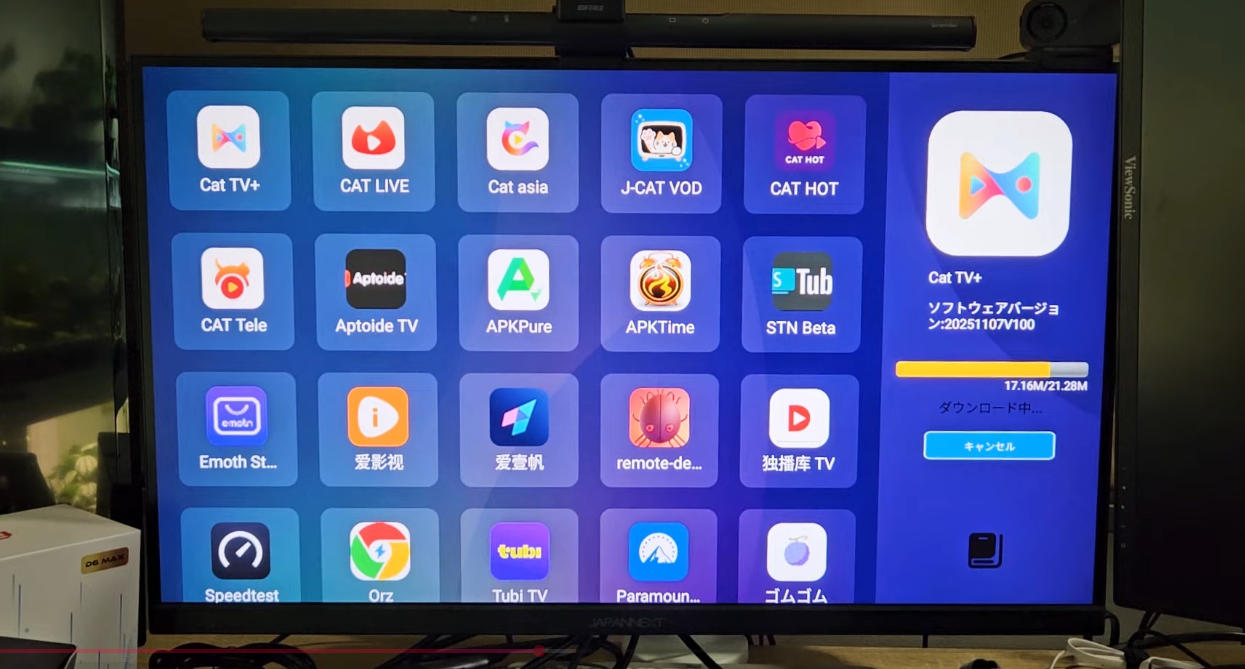
Method 1: App Store Download
Download the following apps directly from the App Store:
CAT TV+
CAT Live
CAT Asia
J-CAT VOD
CAT HOT
CAT HOT (Adult App)
Password: 686868
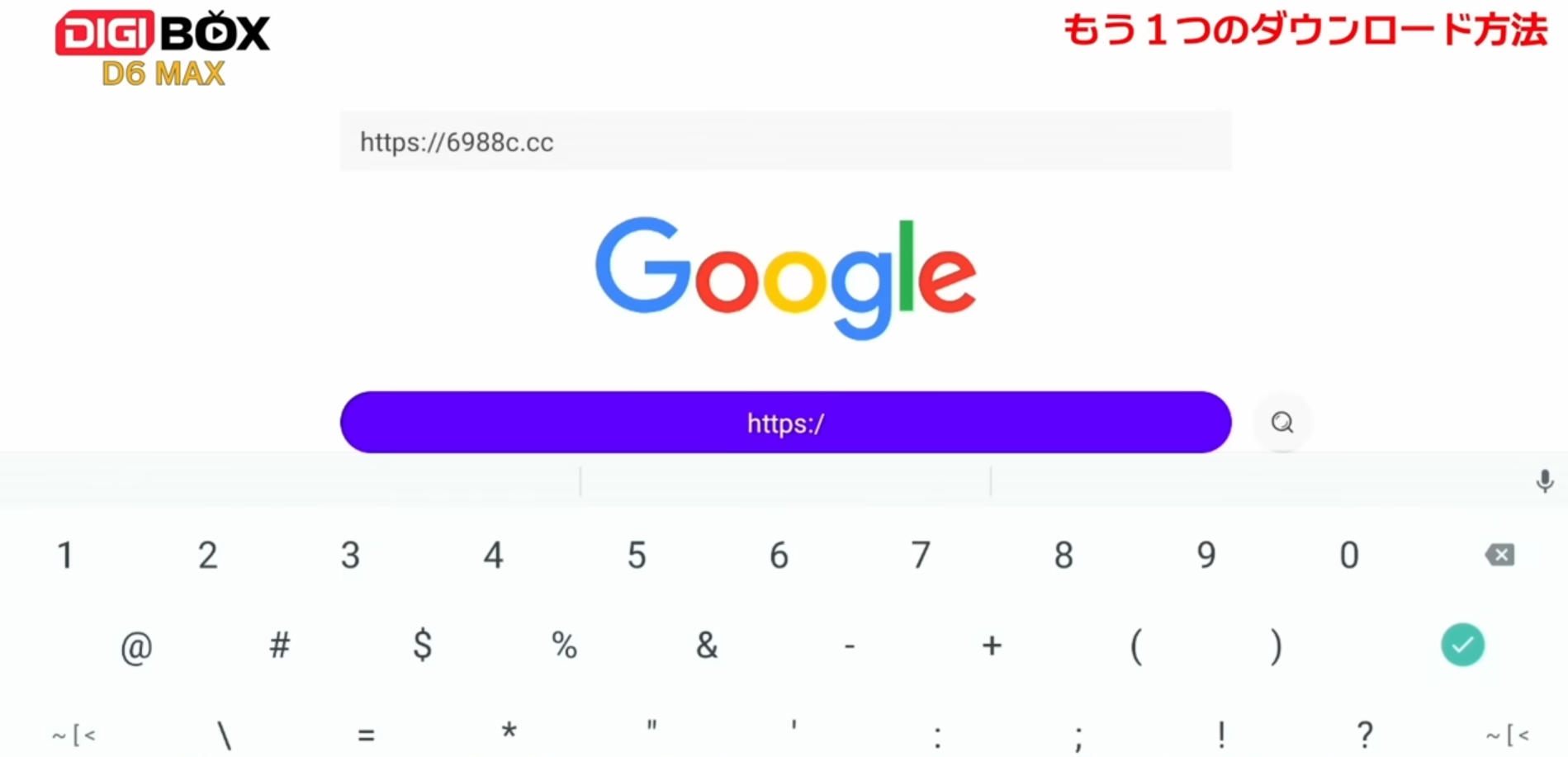
Method 2: Browser Download
Open the browser on your TV box
Enter: 6988c.cc
GetMax TV Box – App Download Guide:
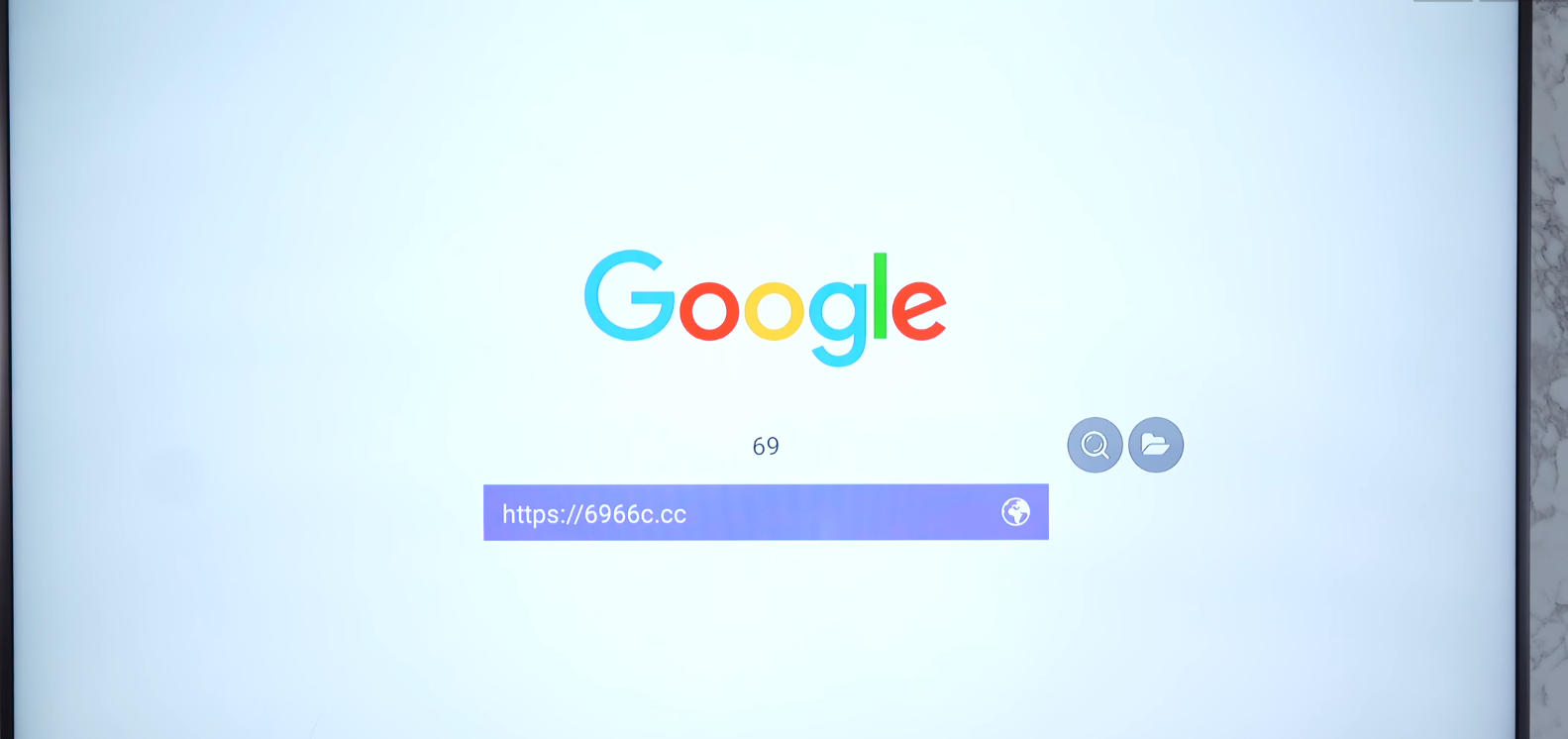
Open the ORZ App
Enter: https://6966c.cc
Download Action TV for live TV viewing
App Update Instructions (All Android TV Boxes)
Automatic Update
Wait for the system to prompt for updates automatically
Manual Update
Uninstall the existing app
Re-download it from the App Store or the official download site
The latest version will be installed automatically
⚙️ Android System Update
Android system updates are pushed automatically
Manual system updates are temporarily unavailable
Please wait for the official update notification
After-Sales & Technical Support
If you purchased your TV box from another seller, please contact that seller first.
For software-related issues, you may contact the official technical support teams below.
Official Support Contacts
EVPAD:
Software Support (WhatsApp): +1 (418) 800-0830
Hardware Support (WhatsApp): +60 11-2851 1101
Unblock Tech:
WhatsApp: +66 62 274 3631
LINE: @unblock
SviCloud:
Software Support (WhatsApp): +1 213 397 6667
Hardware Support: Contact your seller or scan the QR code at the bottom of your TV box
DIGIBox / GetMax:
WhatsApp: +852 5795 4759
Or scan the WhatsApp QR code on the TV box homepage
For inquiries or assistance, feel free to contact us:
WhatsApp/Telegram/WeChat: +852-54359812
Email: sales@androidtvbox.com


