 JPY
JPY USD
USD EUR
EUR GBP
GBP CAD
CAD AUD
AUD HKD
HKD KRW
KRW SGD
SGD NZD
NZD THB
THB TWD
TWD 繁體中文
繁體中文 日本語
日本語 한국어
한국어 English


Your position: Home / Best Android TV Box
-
Description
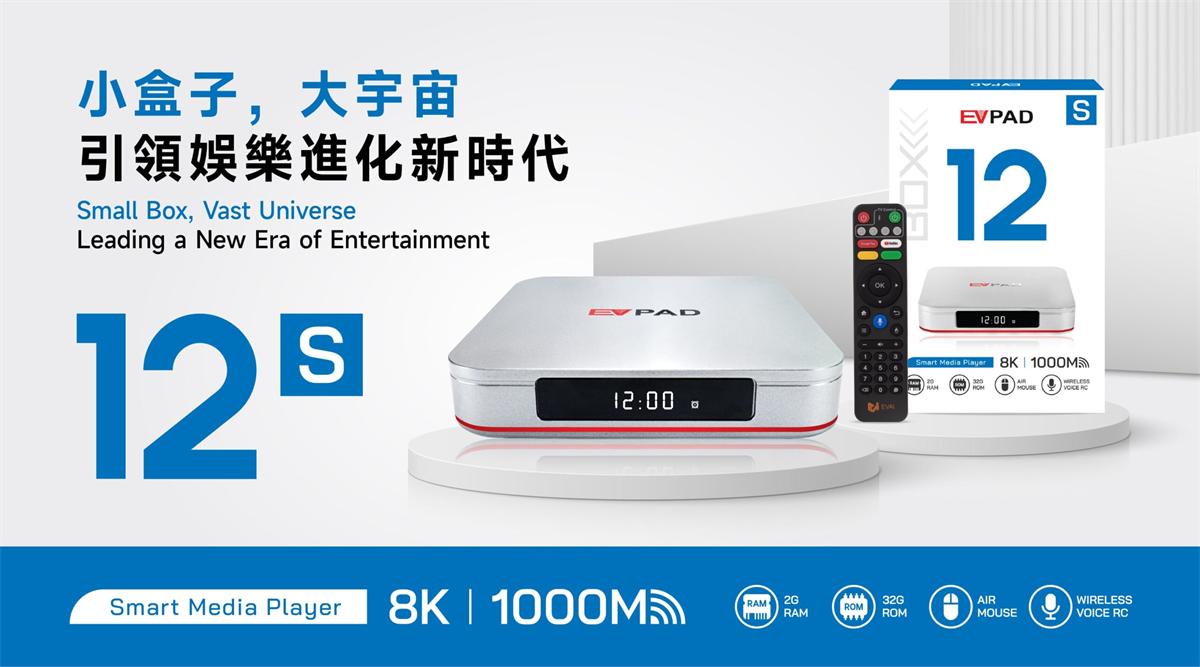
EVPAD 12S 2026 Smart Android TV Box | Compact 8K Power for Limitless Home Entertainment
The EVPAD 12S International Version 2026 upgrade brings next-level home entertainment with advanced technology and worldwide compatibility.
Designed as a compact smart TV box, it provides instant access to thousands of channels and on-demand content across the globe. Featuring 8K Ultra HD resolution, AI voice control, WiFi 6, and Dolby Vision, the EVPAD 12S delivers smooth, immersive, and high-quality viewing experiences. Enjoy limitless entertainment, seamless streaming, and smart home integration, ushering in a new era of modern home entertainment.
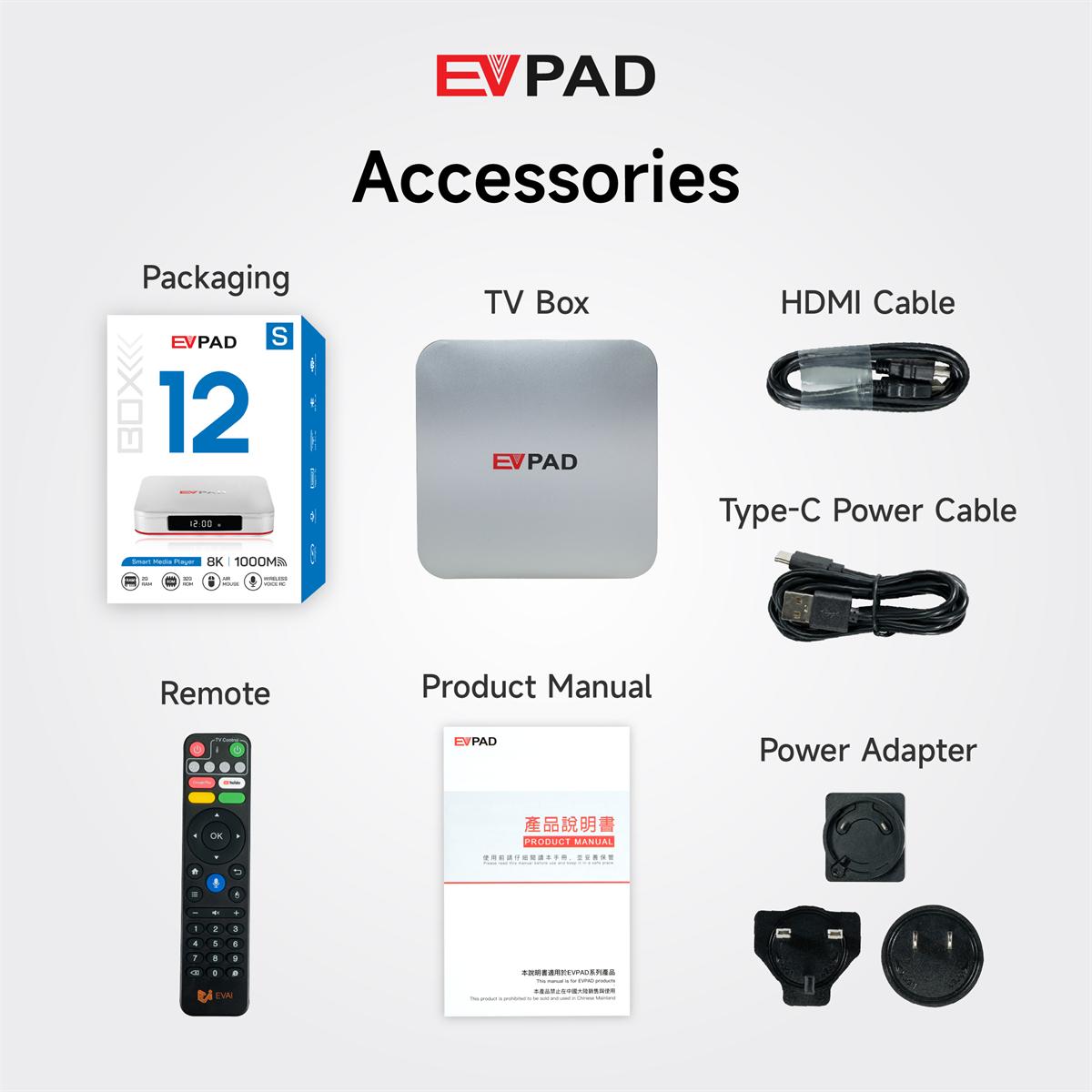
Buy EVPAD 12S Smart Android TV Box – What’s Included?
▶ EVPAD 12S TV Box Main Unit with Gift Packaging
▶ HDMI Cable
▶ Type-C Power Cable
▶ Power Adapter
▶ 2.4G Bluetooth Remote Control
▶ User Manual
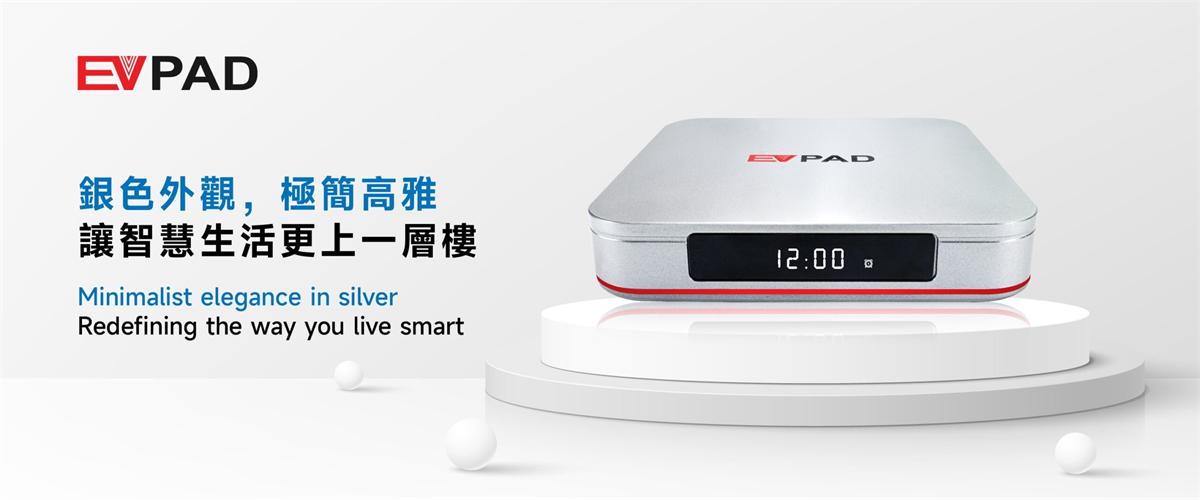
EVPAD 12S Smart Android TV Box – Sleek Silver Design | Experience Next-Level Smart Living
▶ The EVPAD 12S in Sleek Silver combines modern minimalism with powerful smart technology. Designed for users who value both style and performance, its premium aluminum chassis houses a next-generation smart TV system.
Powered by the latest Android OS, it offers faster processing, smoother streaming, and breathtaking 8K Ultra HD visuals. With AI voice control, WiFi 6, and Dolby Vision, the EVPAD 12S turns any living space into a sophisticated smart entertainment hub — seamless, intelligent, and truly extraordinary.
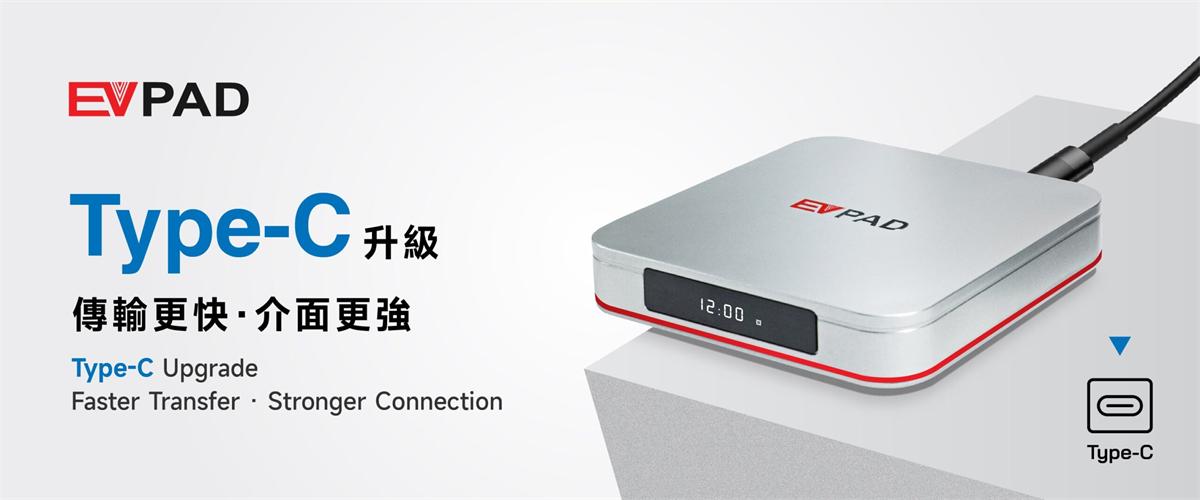
EVPAD 12S Smart Android TV Box – USB-C Upgrade | Faster, Smarter, More Convenient
▶ The upgraded EVPAD 12S features a USB Type-C power and data port, replacing the traditional DC interface for enhanced speed and reliability. Enjoy faster data transfer when connecting external devices like storage drives, displays, or accessories.
With improved power efficiency, stronger signal transmission, and wider compatibility, the Type-C port makes your entertainment setup smarter and more flexible. Whether at home or on the go, the EVPAD 12S ensures every connection is seamless, convenient, and reliable — elevating your smart TV experience to the next level.
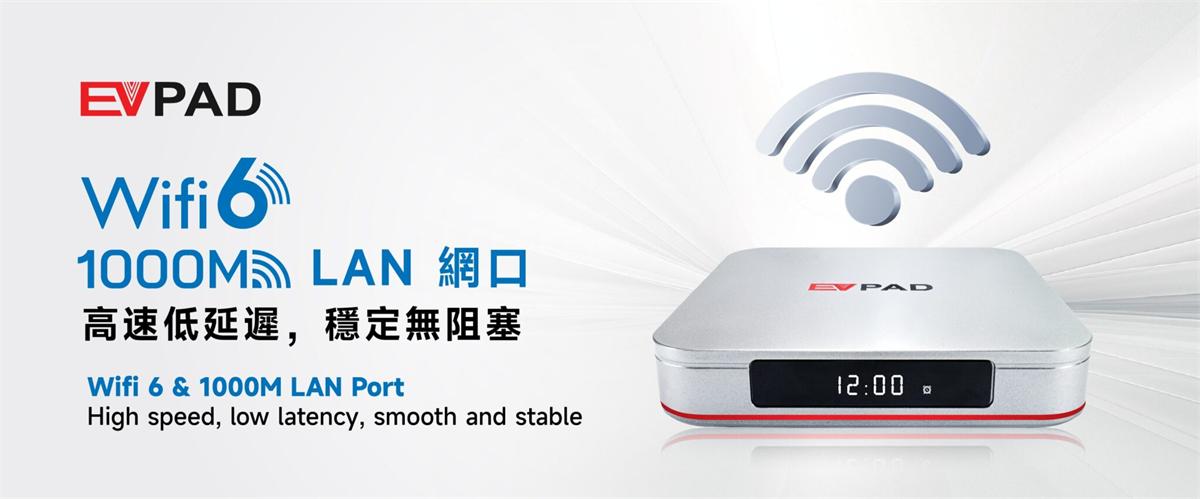
EVPAD 12S Smart Android TV Box – WiFi 6 & Gigabit LAN | Ultra-Fast, Stable, and Lag-Free Performance
▶ The EVPAD 12S upgrades your home network experience with dual-band WiFi 6 and a 1000M Gigabit LAN port, delivering lightning-fast, low-latency connections for uninterrupted streaming and gaming.
Whether you’re enjoying 8K Ultra HD content, cloud gaming, or online live streams, the EVPAD 12S ensures smooth, stable, and reliable performance. With enhanced signal strength, reduced interference, and high-speed connectivity, your entertainment is seamless, responsive, and faster than ever before.
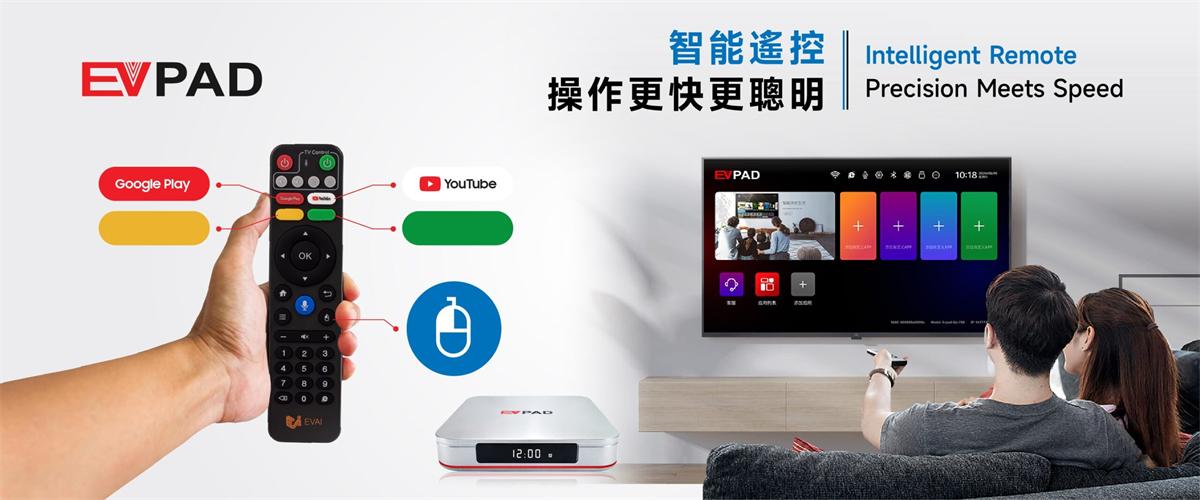
EVPAD 12S Smart Media Device – Advanced Smart Remote | Effortless Control at Your Fingertips
▶ The EVPAD 12S features a brand-new Smart Remote, engineered for precision, speed, and comfort. With enhanced sensors and an ergonomic design, every command responds instantly.
The remote integrates an Air Mouse function for intuitive on-screen navigation and customizable shortcut keys for one-touch access to your favorite apps. Combining smart functionality with fast, reliable response, the EVPAD 12S Smart Remote delivers a seamless, efficient, and enjoyable control experience for all users.
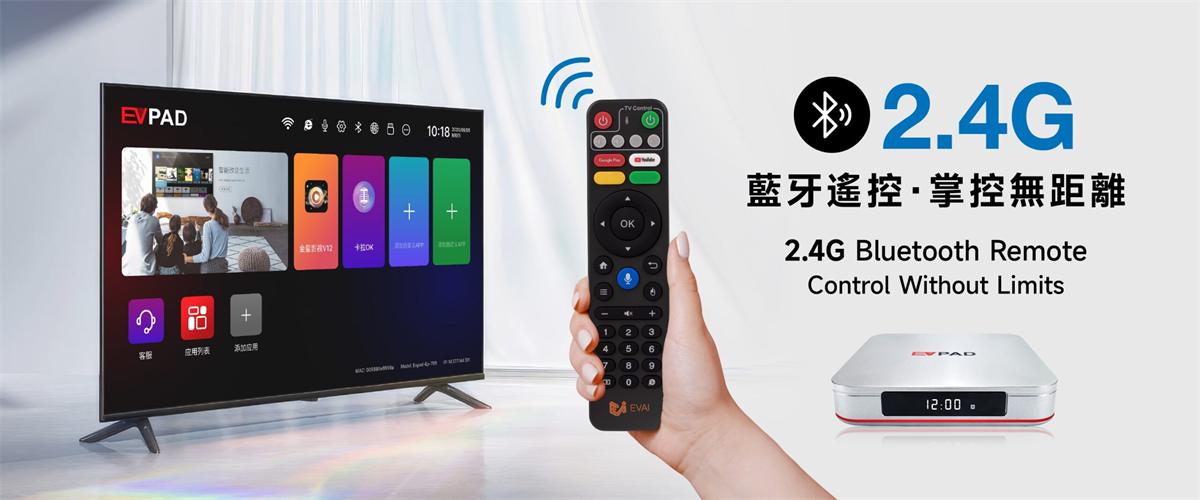
EVPAD 12S Smart Android TV Box – 2.4G Bluetooth Remote | Effortless Control Anytime, Anywhere
▶ Take full command with the EVPAD 12S 2.4G Bluetooth Remote, engineered for limitless freedom. No more line-of-sight restrictions — operate your TV box smoothly from any angle or distance.
With advanced Bluetooth technology, fast signal transmission, and ultra-low latency, every click and command is precise and instant. Whether streaming, gaming, or browsing apps, the EVPAD 12S Bluetooth Remote delivers a responsive, seamless, and truly unrestricted control experience.
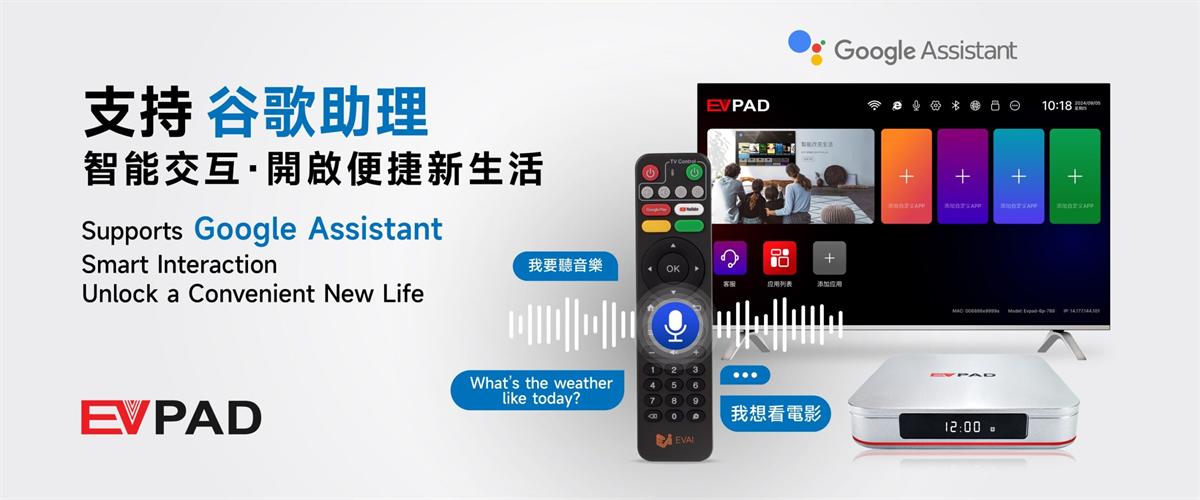
EVPAD 12S Smart Media Player – Google Assistant Enabled | Hands-Free Smart Control for a Smarter Home
▶ Step into the future of smart entertainment with the EVPAD 12S, featuring full support for Google Assistant. Effortlessly control your TV box with your voice — search for shows, open apps, check the weather, or manage smart home devices, all without lifting a finger.
Powered by advanced AI voice recognition and instant response, the EVPAD 12S turns your living room into a truly intelligent entertainment hub. Enjoy seamless, convenient, and hands-free control — making your home smarter and your life easier.
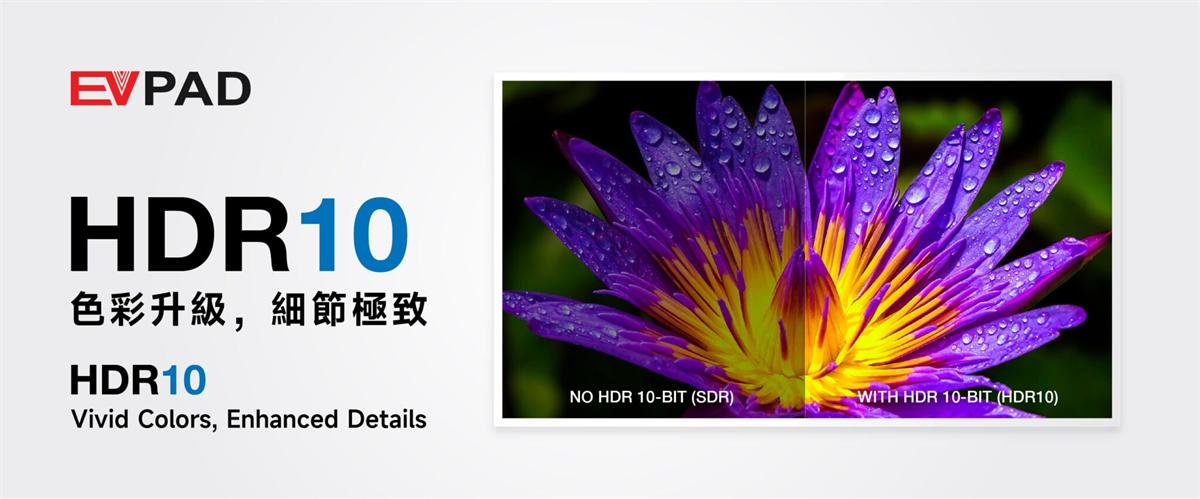
EVPAD 12S Smart TV Box – HDR10 & Dolby Vision | Brilliant Colors, Stunning Clarity
▶ Immerse yourself in vivid, lifelike visuals with the EVPAD 12S, featuring advanced HDR10 and Dolby Vision support. Every scene is rendered with richer contrast, deeper blacks, and vibrant colors, bringing every detail of your favorite shows and movies to life.
Whether watching 8K content, streaming series, or enjoying on-demand programs, the EVPAD 12S delivers cinematic-grade clarity and stunning image quality. Transform your living room into a true home theater experience — precise, immersive, and visually spectacular.
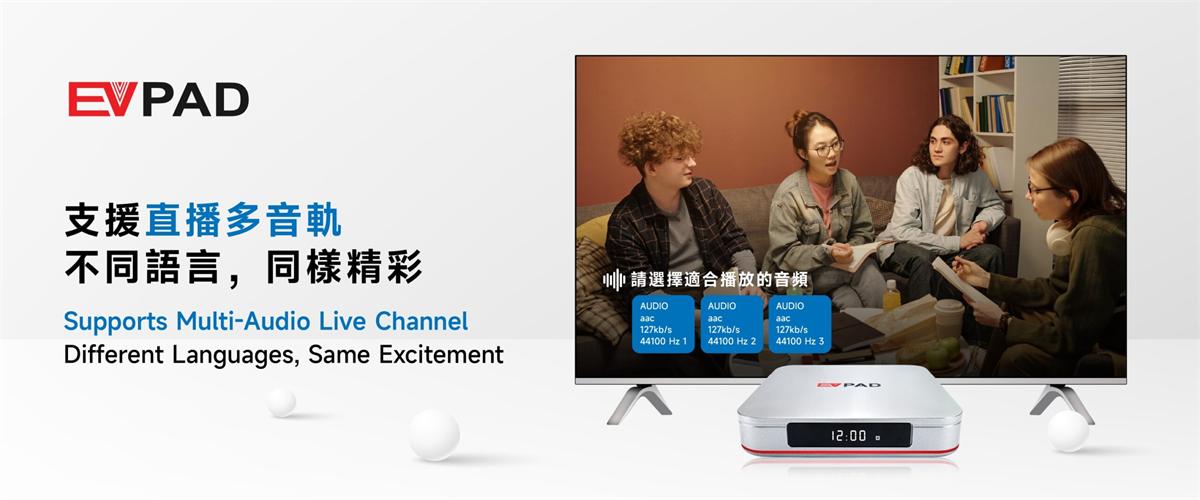
EVPAD 12S Smart TV Box – Multi-Audio Support | Switch Languages Instantly, Enjoy Every Moment
▶ Experience entertainment your way with the EVPAD 12S featuring Multi-Audio support. Seamlessly switch between different languages while watching shows, news, or series without missing any detail.
Ideal for multilingual households and international viewers, this feature ensures everyone can enjoy clear audio in their preferred language. With the EVPAD 12S, global entertainment becomes more accessible, immersive, and enjoyable than ever before.
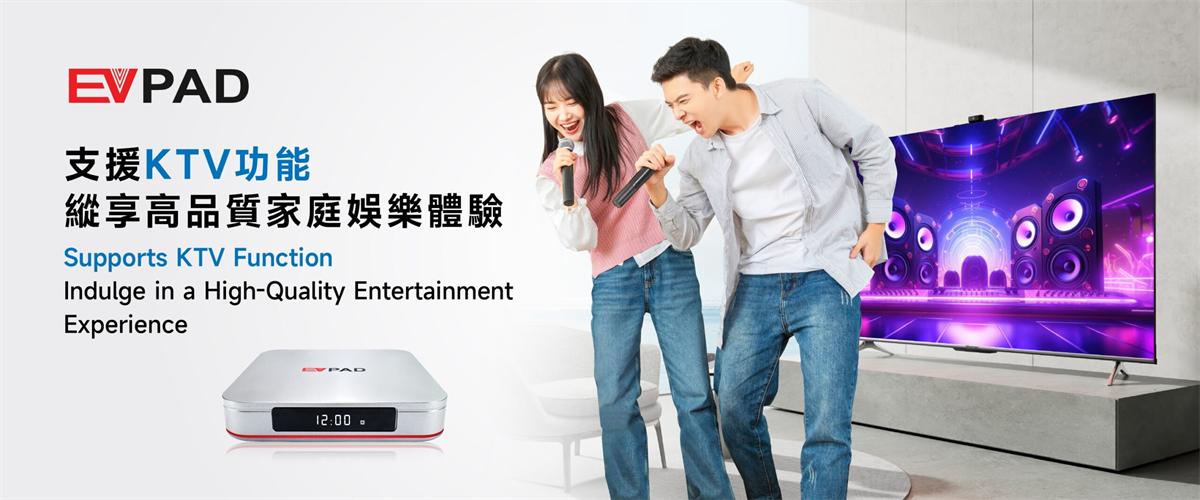
EVPAD 12S Smart Media Device – KTV Mode | Bring the Karaoke Experience Home
▶ Transform your home into a personal karaoke stage with the EVPAD 12S KTV mode. Sing along to your favorite tracks with clear, high-quality audio and immersive backing music that makes every performance shine.
Whether it's a solo session, a family gathering, or a fun karaoke party with friends, the EVPAD 12S delivers smooth playback and professional sound quality. Enjoy endless entertainment and create memorable moments anytime, anywhere — all from the comfort of your living room.
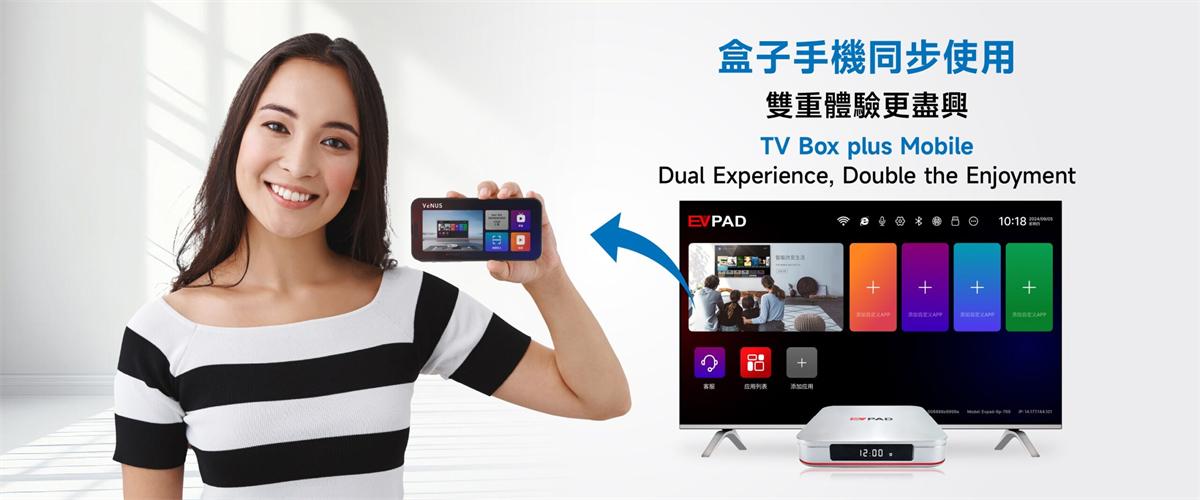
EVPAD 12S Smart Media Device – TV & Mobile Integration | Double the Fun, Double the Flexibility
▶ Discover a new level of entertainment with the EVPAD 12S TV & Mobile integration. Effortlessly connect your smartphone to the TV box for dual-screen control, content sharing, or simultaneous streaming.
Watch, interact, and manage your favorite shows or apps on both devices at the same time. This smart integration enhances convenience, boosts flexibility, and doubles your enjoyment — turning your home into a fully connected and immersive entertainment hub.
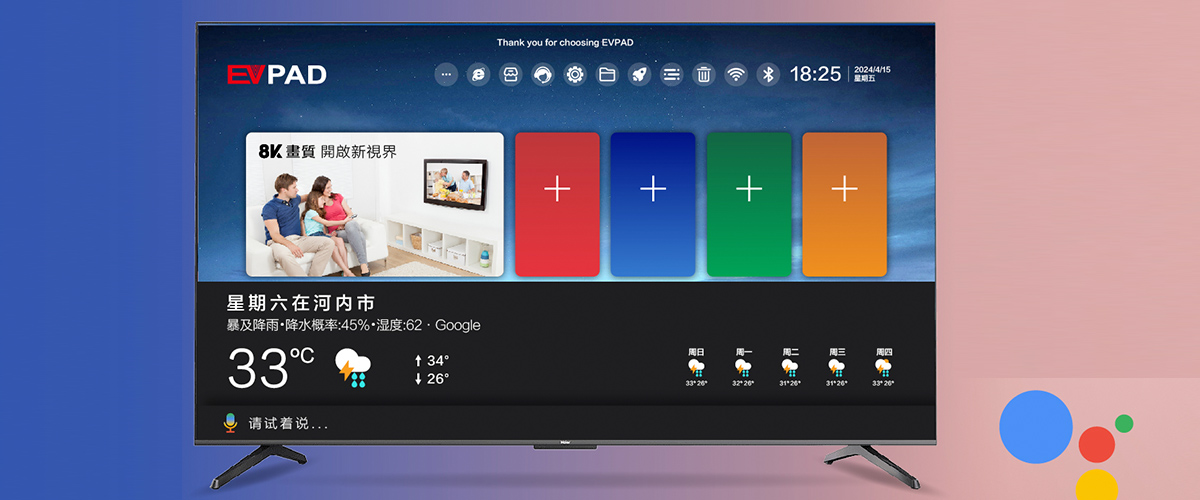
EVPAD 12S Android TV Box | Enhanced UI for Faster, Smarter Navigation
▶ Customize your main interface by adding frequently used apps for quick access. Easily launch apps like Live TV, Kids, EVChat, or Movie & Series apps with a single click — making your entertainment experience faster, simpler, and more convenient.
-
Download Center

Download Center
Welcome to our official Download Center.
This page provides step-by-step instructions for downloading, installing, and updating applications on popular Android TV boxes, including EVPAD, Unblock Tech (UBOX), SviCloud, DIGIBox, and GetMax.
Whether you are setting up your TV box for the first time or updating apps, you’ll find the correct and safest download methods here.
EVPAD TV Box – App Download Guide:
Method 1: One-Click Download (Recommended)
Go to the EVPAD Home Screen
Use the remote control to enter: 6868
Apps will appear and can be downloaded with one click
Method 2: Website Download
For EVPAD 12P / 12S / 11P / 11S / 10P / 10S / 6P / 6S
Visit:
http://6868jx.net
http://6868jx.shop
For EVPAD 5S / 5P / 5Max / earlier models
Visit:
http://6868hx.com
Unblock Tech (UBOX) – App Download Guide:
Open the Chrome Browser on your TV box
Enter: ub6789.com
Select the correct app based on your model
UBStrawberry (Adult App)
Password: 1818
SviCloud TV Box – App Download Guide:
Open the ORZ App on your TV box
Enter: https://8989c.cc
Available Apps:
Yogurt TV – Live TV
WeFun – Karaoke
Cherry TV – Adult App (18+)
Password: 898989
DIGIBox – App Download Guide:
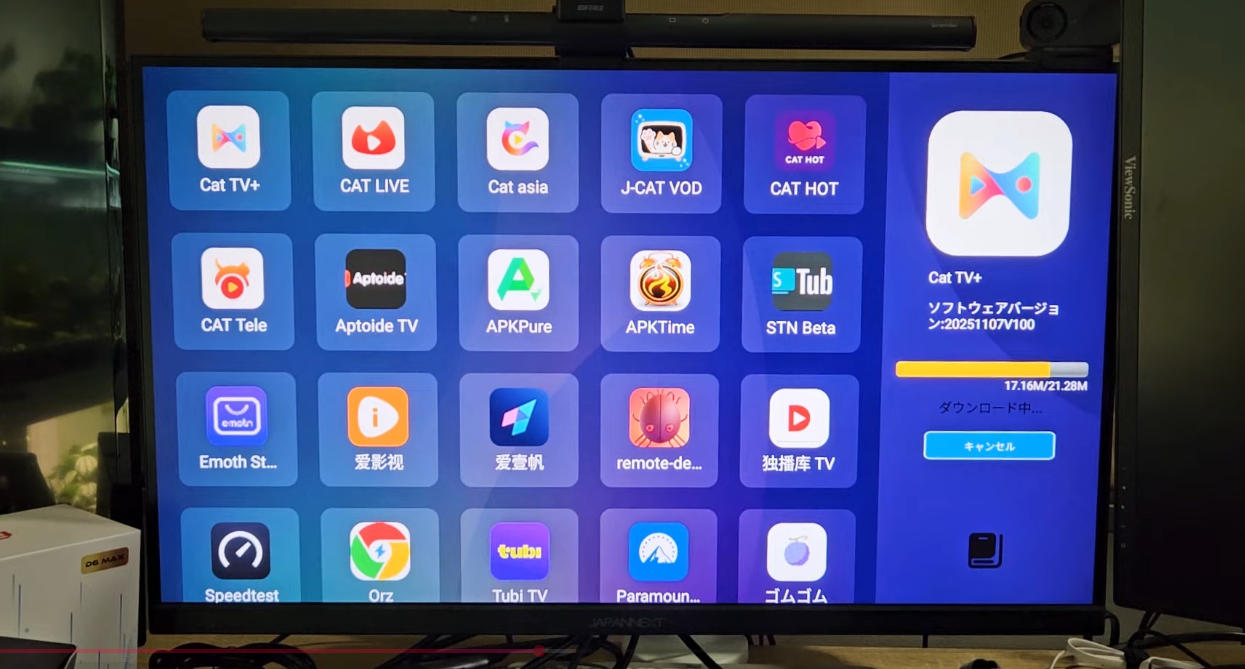
Method 1: App Store Download
Download the following apps directly from the App Store:
CAT TV+
CAT Live
CAT Asia
J-CAT VOD
CAT HOT
CAT HOT (Adult App)
Password: 686868
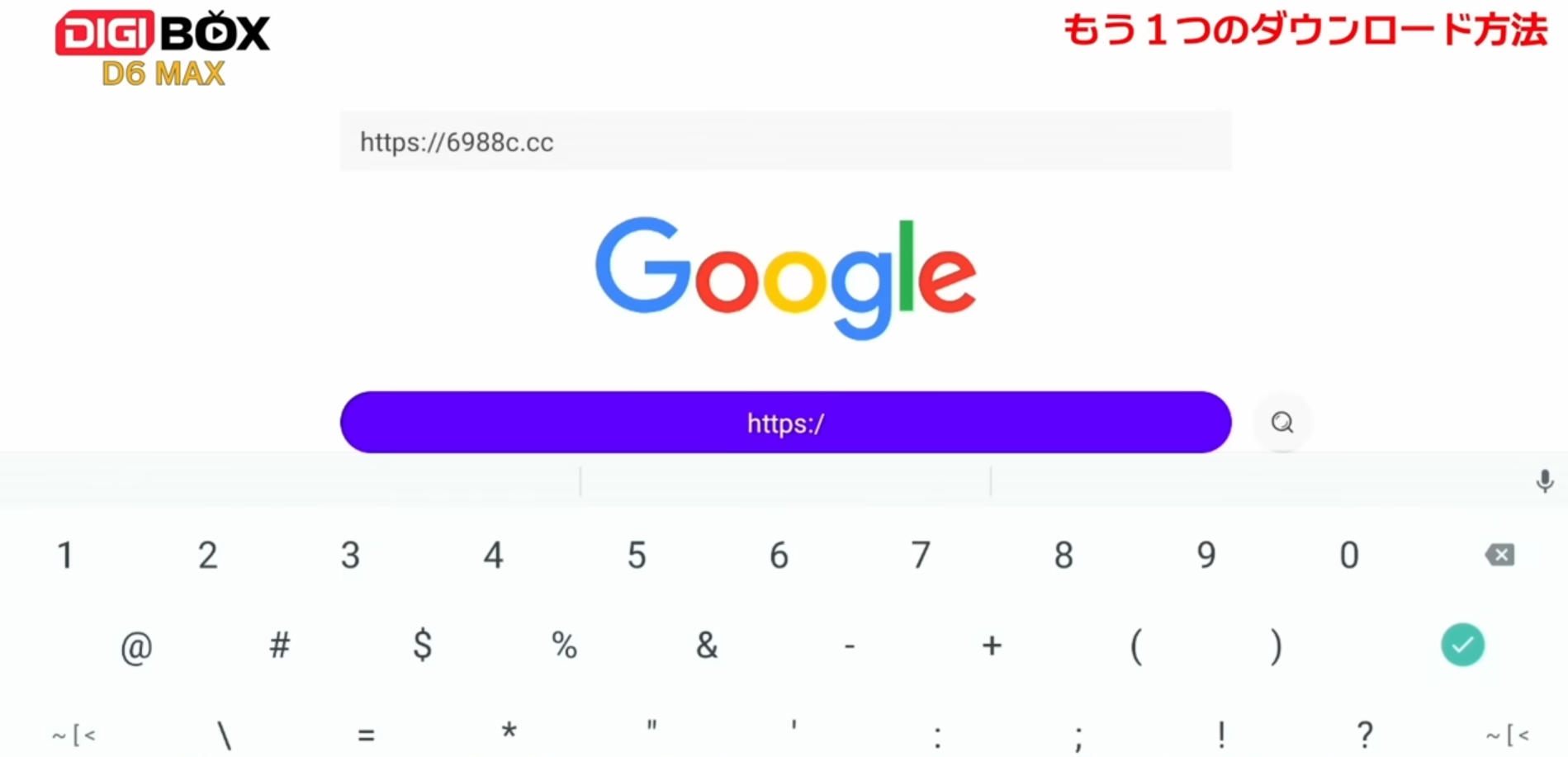
Method 2: Browser Download
Open the browser on your TV box
Enter: 6988c.cc
GetMax TV Box – App Download Guide:
Open the ORZ App
Enter: https://6966c.cc
Download Action TV for live TV viewing
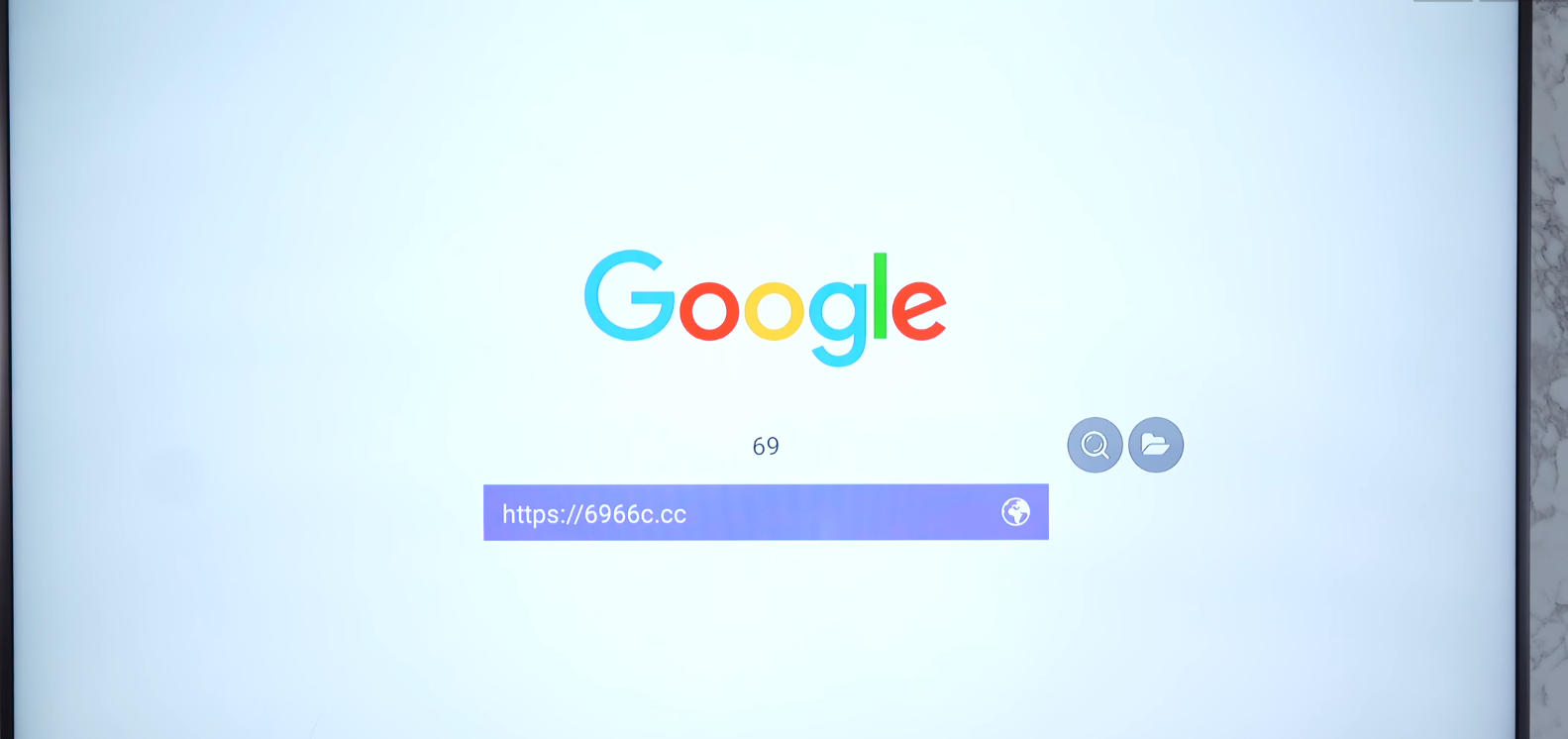
App Update Instructions (All Android TV Boxes)
Automatic Update
Wait for the system to prompt for updates automatically
Manual Update
Uninstall the existing app
Re-download it from the App Store or the official download site
The latest version will be installed automatically
⚙️ Android System Update
Android system updates are pushed automatically
Manual system updates are temporarily unavailable
Please wait for the official update notification
After-Sales & Technical Support
If you purchased your TV box from another seller, please contact that seller first.
For software-related issues, you may contact the official technical support teams below.
Official Support Contacts
EVPAD:
Software Support (WhatsApp): +1 (418) 800-0830
Hardware Support (WhatsApp): +60 11-2851 1101
Unblock Tech:
WhatsApp: +66 62 274 3631
LINE: @unblock
SviCloud:
Software Support (WhatsApp): +1 213 397 6667
Hardware Support: Contact your seller or scan the QR code at the bottom of your TV box
DIGIBox / GetMax:
WhatsApp: +852 5795 4759
Or scan the WhatsApp QR code on the TV box homepage
For inquiries or assistance, feel free to contact us:
WhatsApp/Telegram/WeChat: +852-54359812
Email: sales@androidtvbox.com
-
Channel List

Channel List
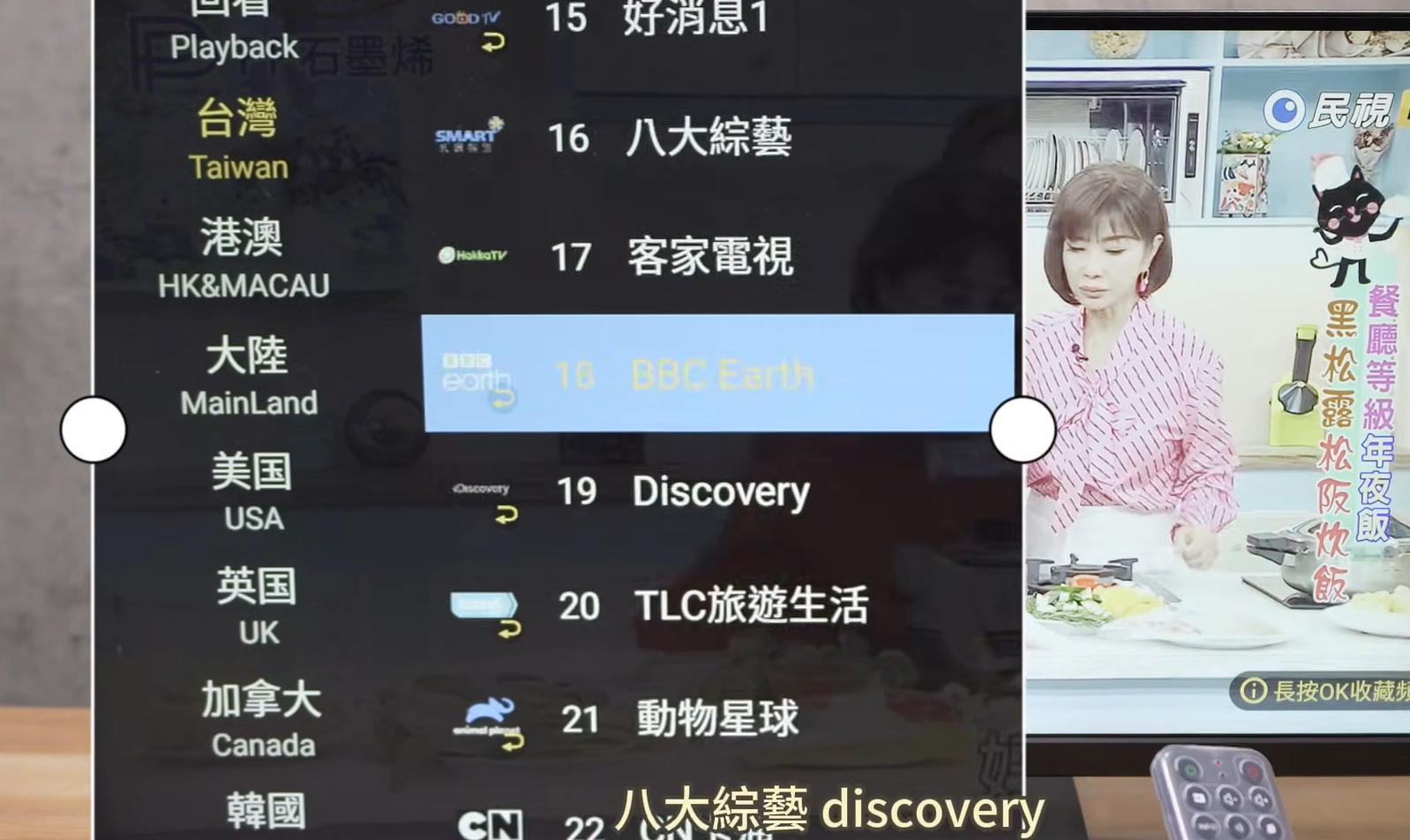
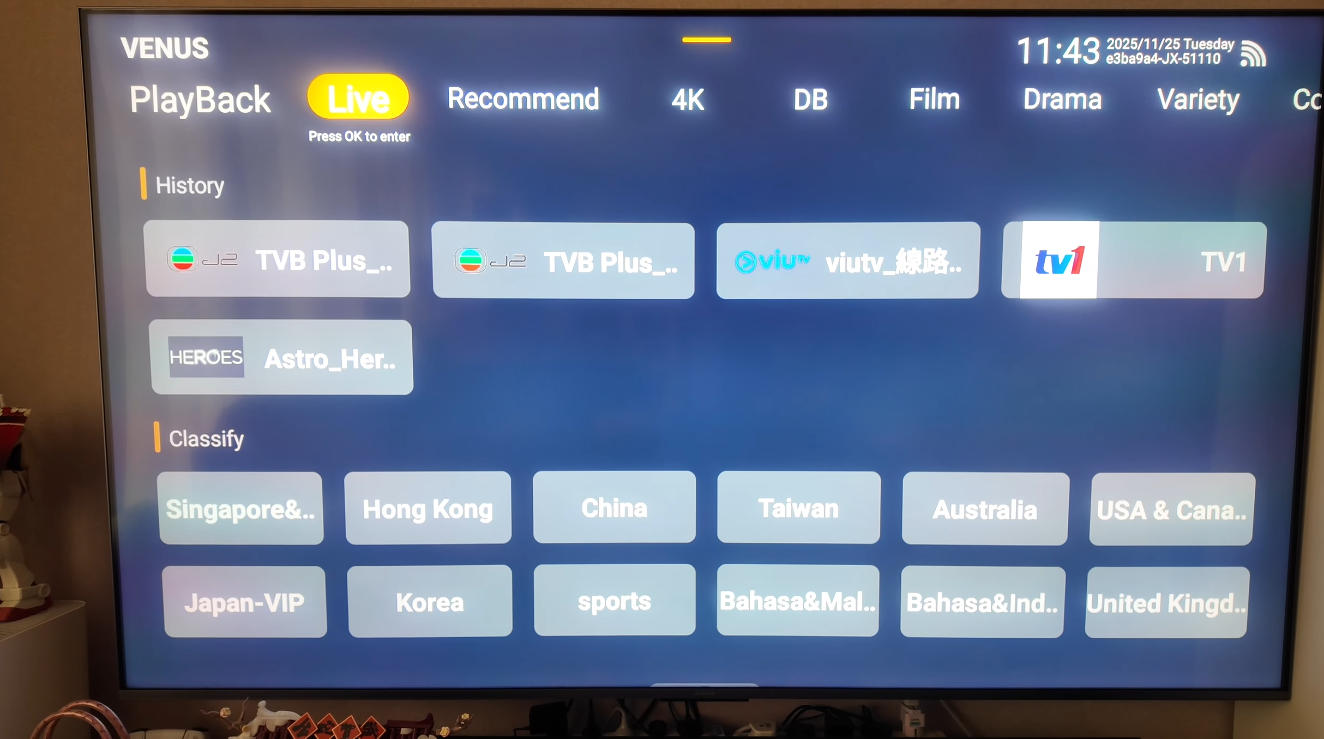
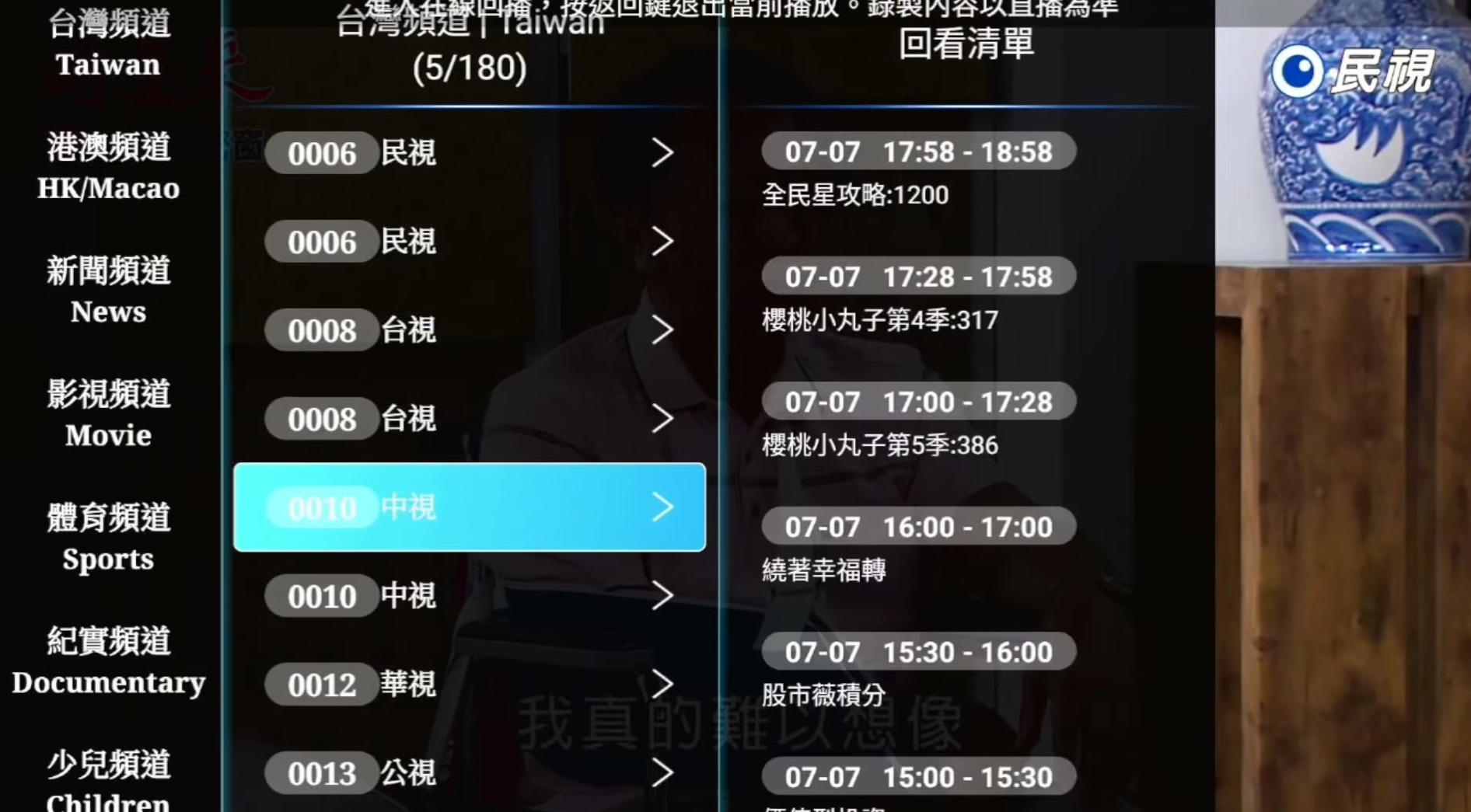
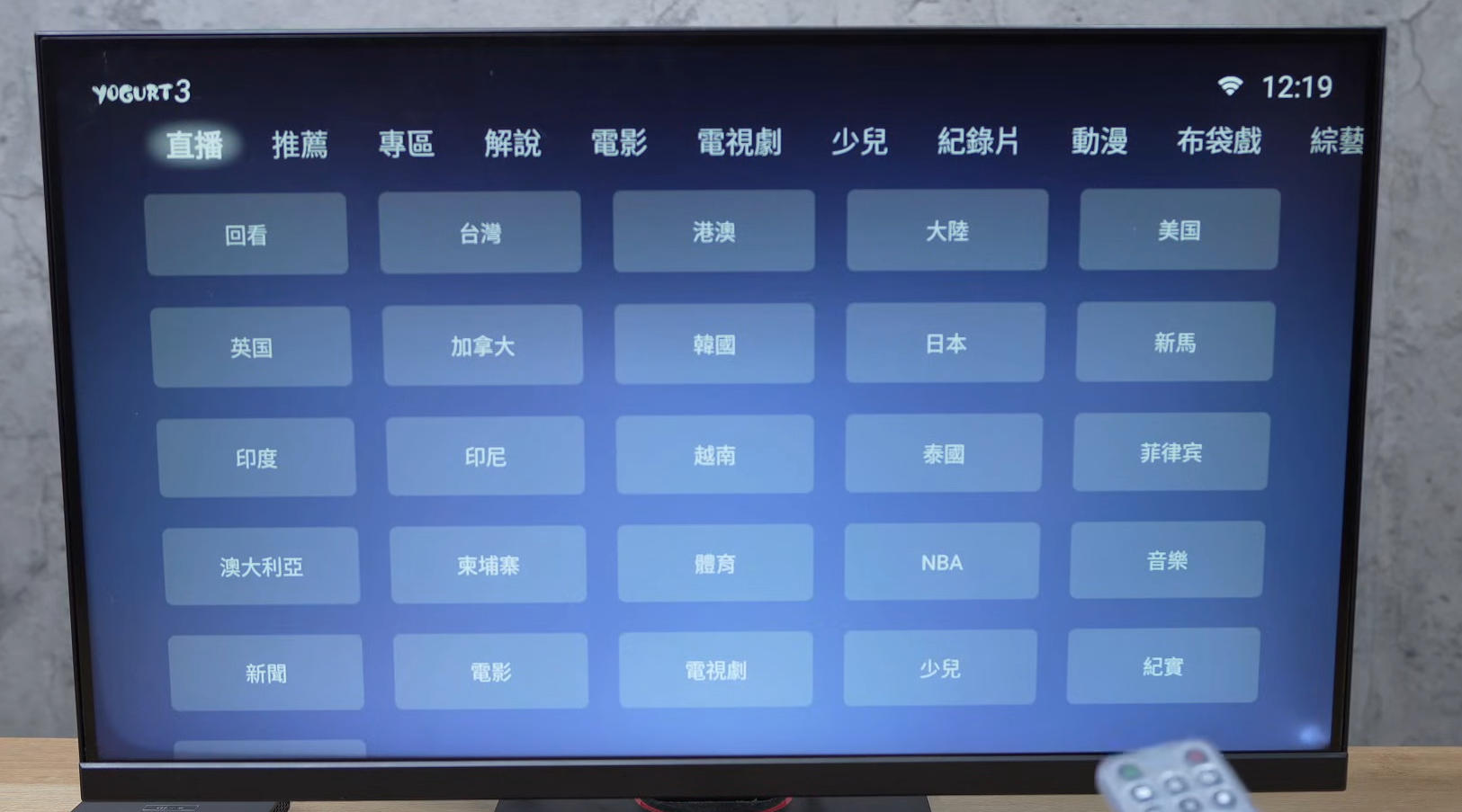
Our Android TV boxes provide access to a wide variety of live TV channels and on-demand content from different regions around the world. Channel availability may vary depending on the brand, model, system version, and app updates.
This page offers a general overview of the types of channels available. For a detailed and up-to-date channel list for a specific brand, please contact our support team directly.
What Types of Channels Are Available?
Depending on the TV box brand and installed applications, users may access:
International Live TV Channels
Including news, entertainment, movies, and general TV channels from multiple countries and regions.
Sports Channels
Covering popular events such as football, basketball, motorsports, golf, and other international sports.
Movie & Entertainment Channels
Featuring films, TV series, reality shows, and variety programs.
Kids & Family Channels
Cartoons, educational programs, and family-friendly entertainment.
News & Information Channels
Local and international news, business updates, and current affairs.
Language & Cultural Channels
Content in multiple languages, ideal for overseas viewers and multicultural households.
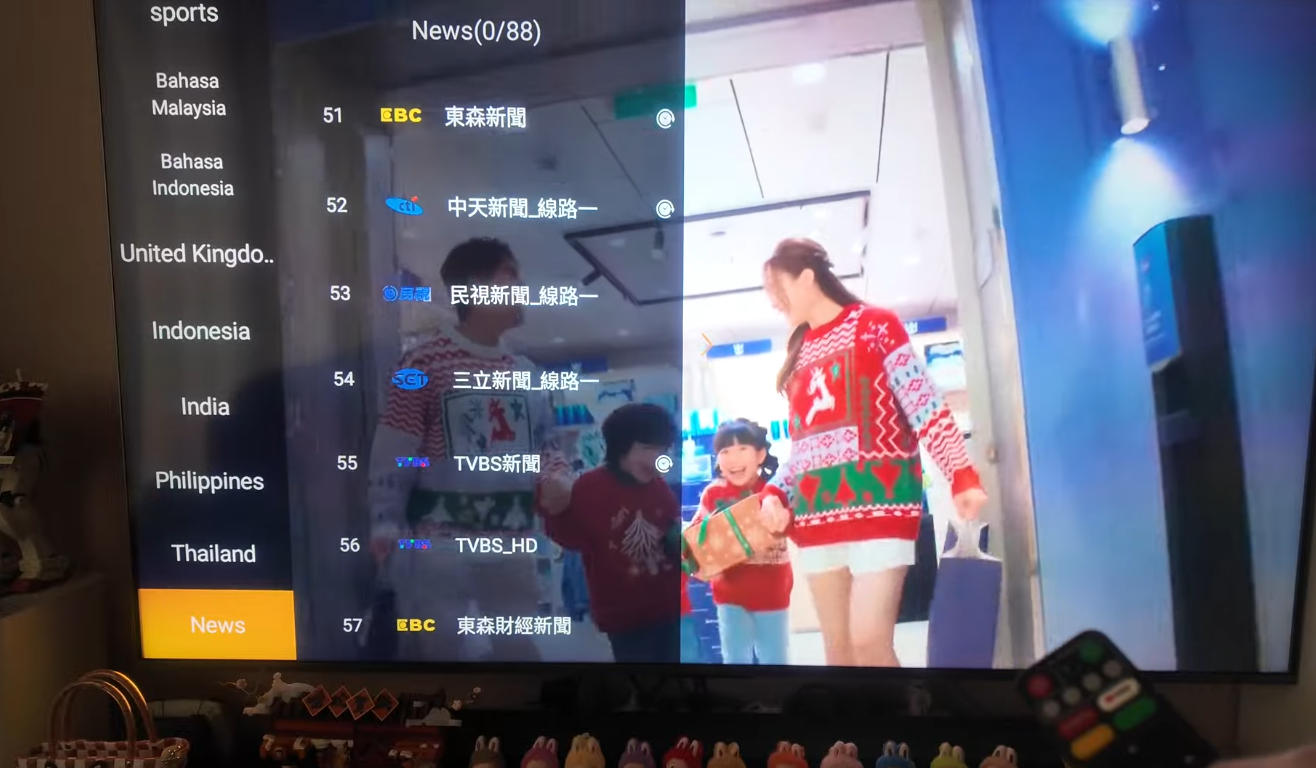
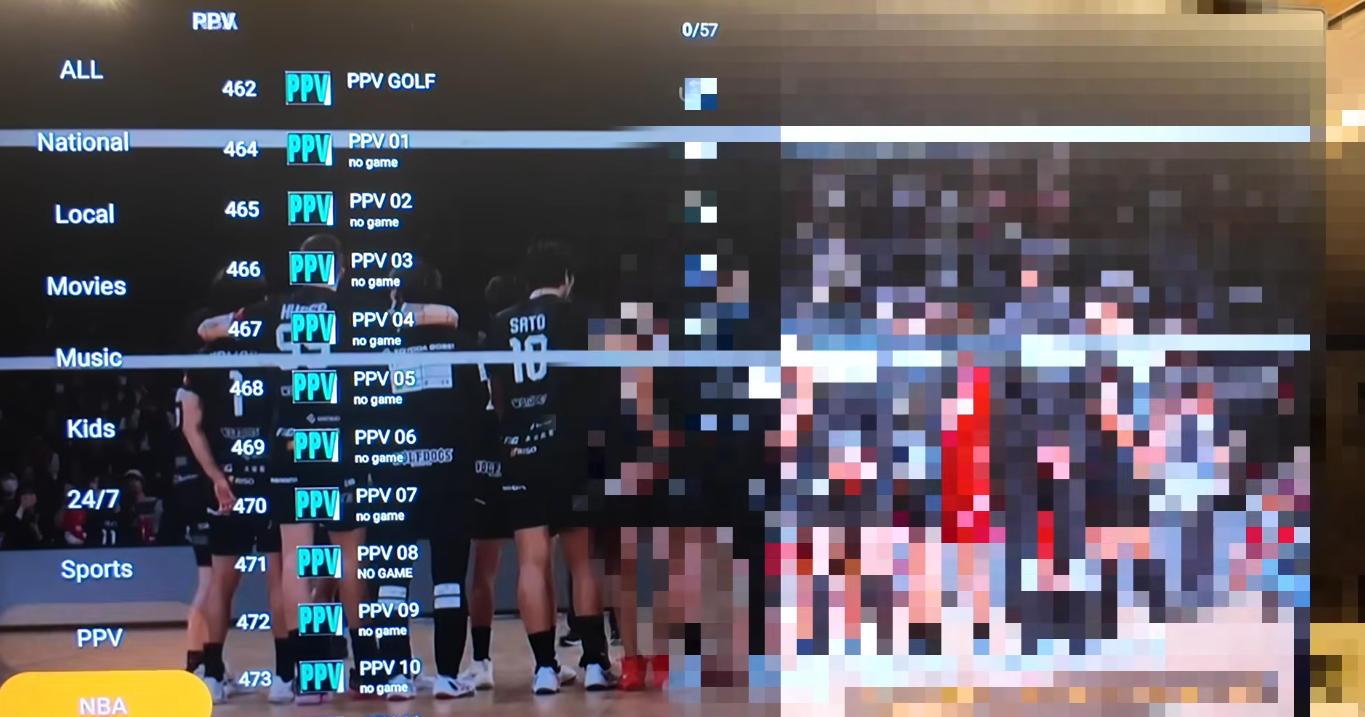
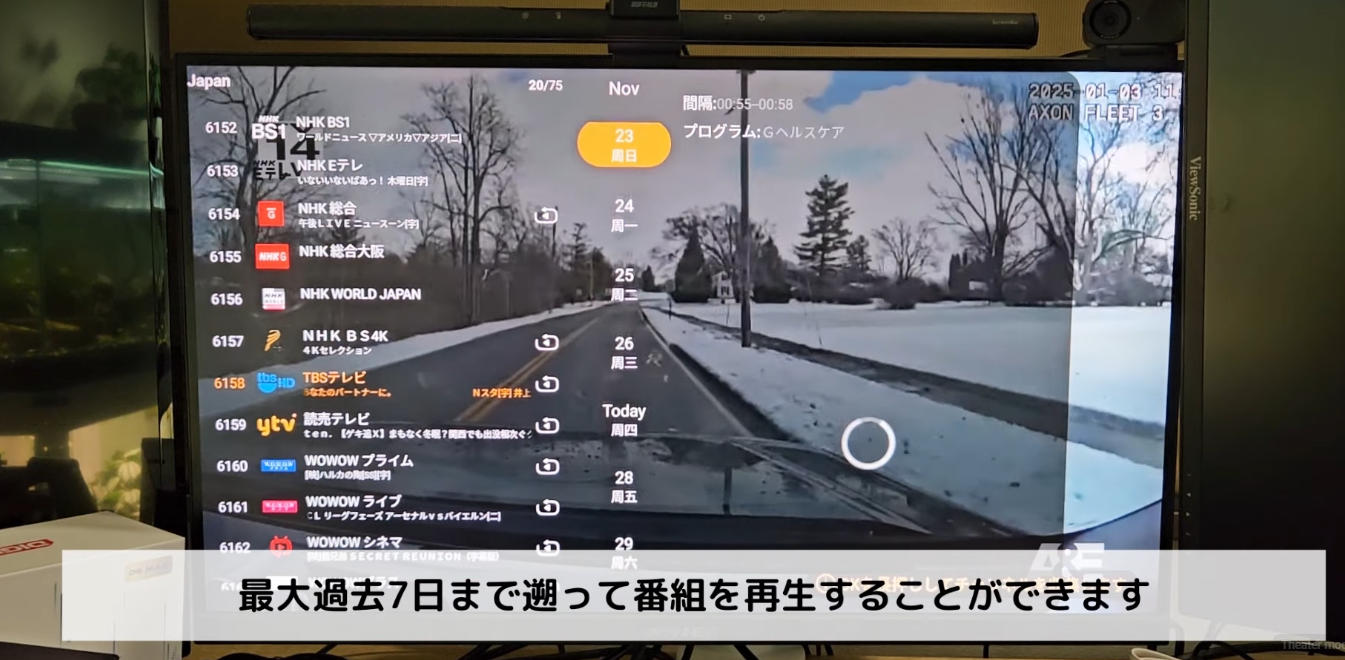
Important Notes About Channel Availability
Channel lists are subject to change without prior notice
Availability may differ by brand, model, region, and system version
Some channels may be temporarily unavailable due to maintenance or source updates
The TV box itself does not host or control channel content; all channels are provided through third-party applications
For these reasons, we do not publish fixed channel lists directly on the website.
Request a Detailed Channel List
If you would like to receive the full channel list for a specific brand (such as DIGIBox, EVPAD, UBox, GetMax, or SviCloud), please contact us directly. Our team will provide the most accurate and up-to-date information.
WhatsApp/Telegram/WeChat: +852-54359812
Email: sales@androidtvbox.com
When contacting us, please let us know:
The brand you are interested in
Your country or region
Any specific channels or content you are looking for
Need Help Choosing the Right TV Box?
If you're unsure which TV box best fits your needs, our team is happy to help. Based on your viewing preferences, language requirements, and location, we can recommend the most suitable model for you.
-
Payment & Privacy
Payment & Privacy
We are committed to providing a secure, transparent, and convenient shopping experience for all customers. This page outlines our accepted payment methods, important payment details, and our approach to protecting your privacy.
This page explains the payment methods, security measures, and privacy protection policies used on our website. You’ll find detailed information about accepted payment options, important payment notes to avoid transaction failures, and how we safeguard your personal and financial data through secure payment gateways. Our goal is to ensure every customer enjoys a safe, transparent, and worry-free checkout experience.
Payment Methods
We make online shopping easy by supporting multiple trusted payment options through secure payment gateways.
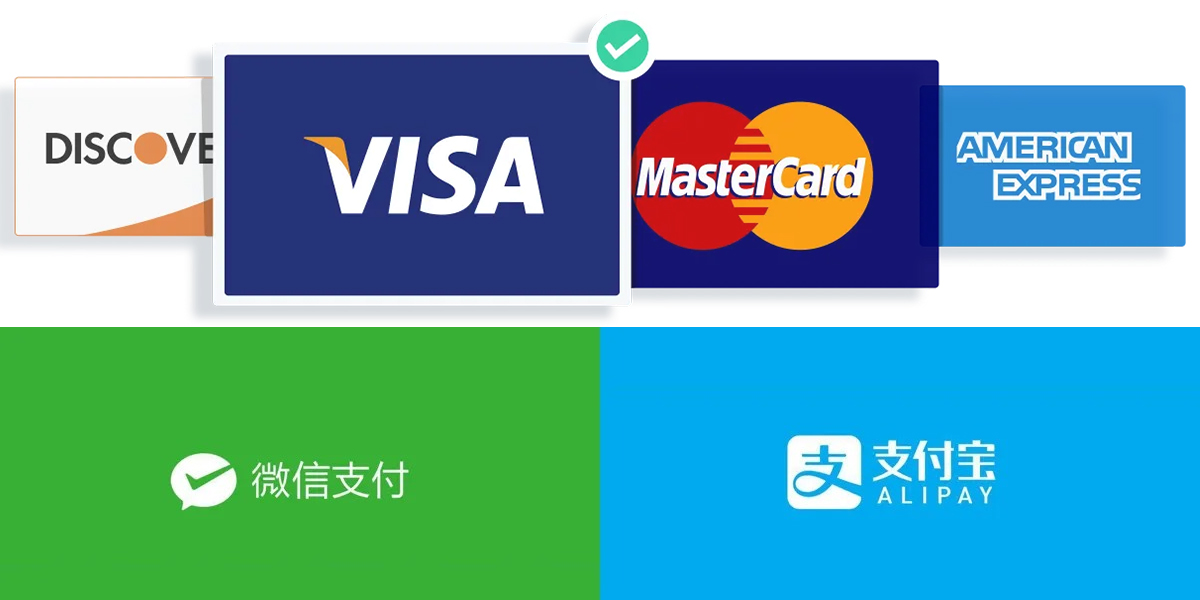
Accepted Payment Methods:
Credit Cards:
VISA
MasterCard
American Express (AE)
JCB
China Payments:
WeChat Pay
Alipay
Cryptocurrency:
USDT (Tether)
All payments are processed through encrypted and reliable payment systems to ensure the safety of your transactions.
☑️ Payment Notes (Important)
To protect customers and prevent fraud, our payment system follows strict security rules:
1. Payment Attempt Limit
The system allows up to 3 payment attempts within 24 hours
If your payment fails twice, please contact our customer service by email for assistance and solutions
2. VPN Notice (VISA / MasterCard)
Customers using VISA or MasterCard are advised to turn off VPN when placing an order
A mismatch between your IP address and billing address may trigger bank risk controls and cause payment failure
3. Payment Failure – Fraud Suspicion / Payment Declined
If your VISA or MasterCard payment fails with:
“Fraud Suspicion”
“Payment Declined”
Please:
Call your bank to confirm and authorize the transaction
Retry the payment after authorization
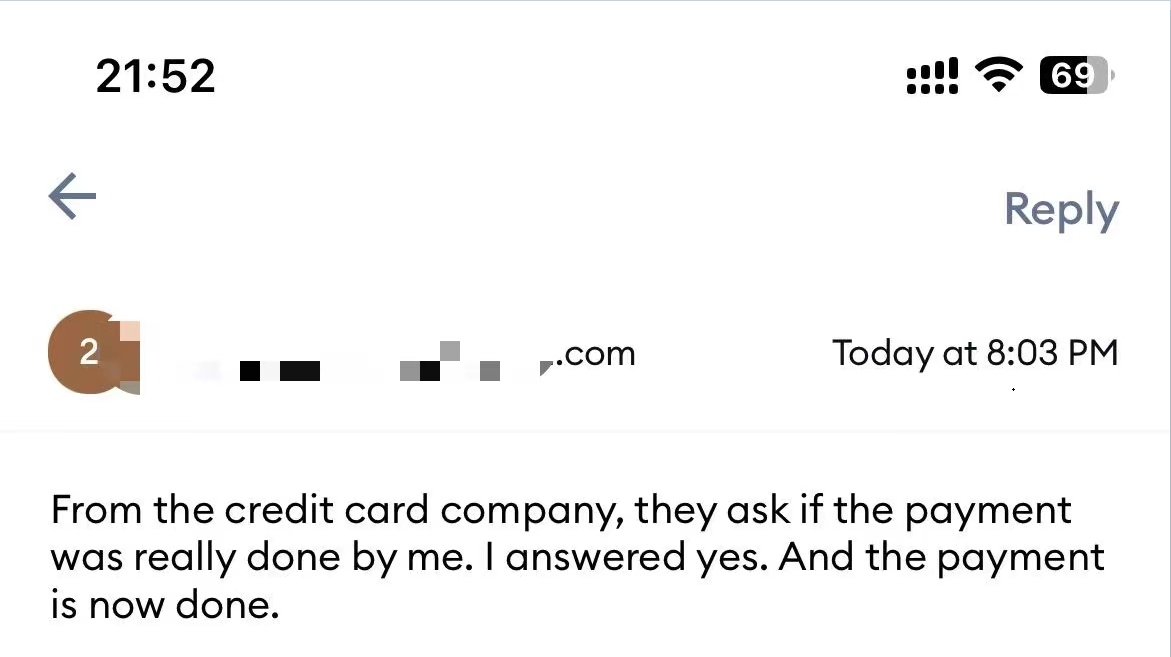
4. JCB Payment – "Do Not Honor."
If your JCB payment fails with "Do Not Hono.r"
Call JCB to authorize the transaction
Or reply to our customer service confirming that the payment has been approved
Once confirmed, we will notify the bank to reprocess the payment, and it will be completed successfully.
Privacy & Payment Security
Your privacy and data security are our top priorities.
We do not store your credit card details
All payments are handled by secure, PCI-compliant payment gateways
Your personal information is used only for order processing, shipping, and customer support
We never sell, rent, or share your personal data with third parties
All credit card payments are transmitted via SSL-secured connections
Payments use 128-bit encryption
We do not store or access your credit card details
By shopping on our website, you can be confident that your personal and payment information is fully protected.
Need Help With Payment?
If you experience any payment issues or have questions:
Please contact our customer support team
We are always happy to help you complete your order safely and smoothly
For inquiries or assistance, feel free to contact us:
WhatsApp/Telegram/WeChat: +852-54359812
Email: sales@androidtvbox.com
-
FAQ

FAQ
Welcome to our Android TV Box FAQ page. Here you’ll find detailed answers about authorized TV box brands such as EVPAD, Unblock Tech (UBOX), SviCloud, GetMax, and DIGIBox. We cover everything you need to know, including product features, channel availability, legality, payment security, shipping, customs duties, and after-sales warranty. If you’re looking for a trusted official distributor, fast worldwide shipping, and reliable customer support, this FAQ will help you make an informed purchase with confidence.
➥ About Our Store
Q. Are you an authorized seller of EVPAD, Unblock Tech, SviCloud, GetMax, and DIGIBox?
➤ Yes.
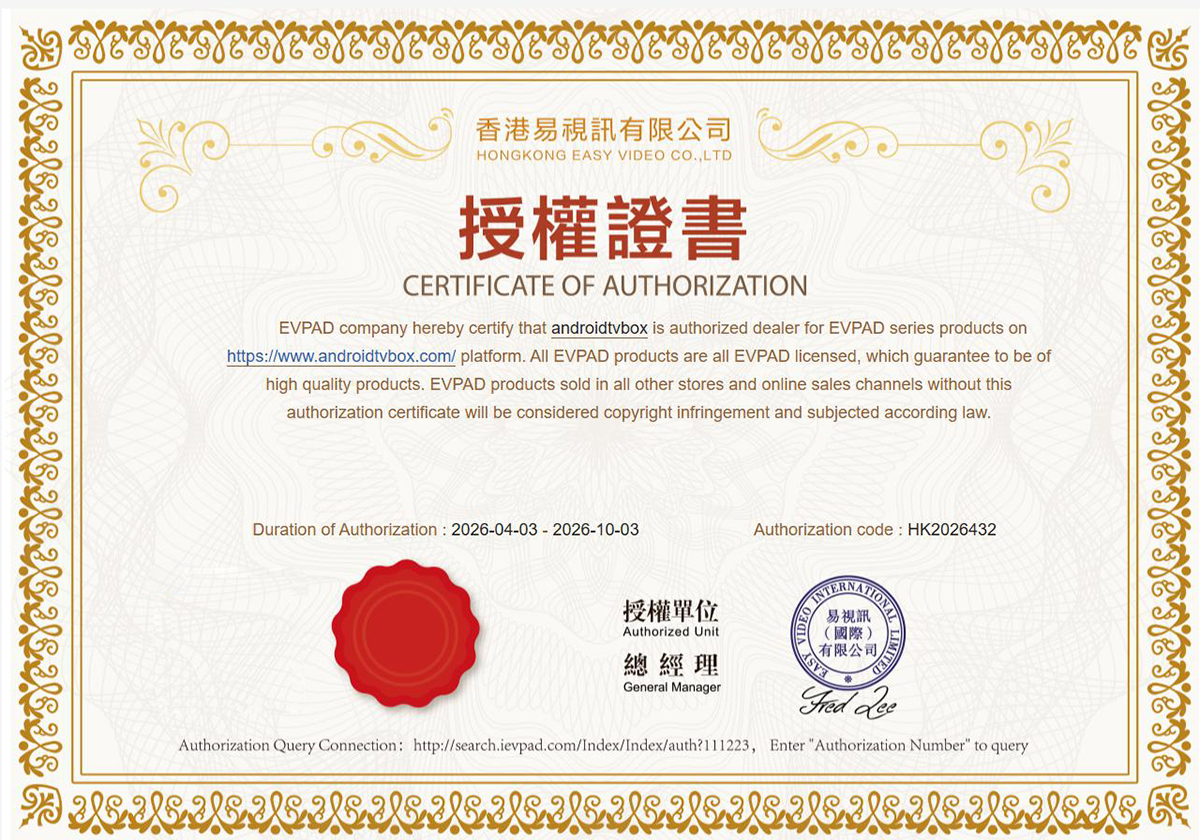
We are the official authorized distributor of EVPAD, Unblock Tech, SviCloud, GetMax, and DIGIBox.
You can shop with confidence knowing all products sold on our website are 100% authentic.
⚠️ Please note:
TV boxes sold by unknown or unofficial websites may be fake, unauthorized, locked, or unsupported, and usually do not include an official warranty or after-sales service.
Q. Where is your company located?
➤ Our company was founded in 2014 and is based in Hong Kong, China.
We focus on providing high-quality Android TV boxes for global customers, offering leading brands such as EVPAD, Unblock Tech, SviCloud, GetMax, and DIGIBox.
➥ About Products
Q. What are the main features of your Android TV boxes?
➤ All our Android TV boxes offer:
✅ No monthly fees, no subscriptions – Pay once, use forever
✅ 2,000+ worldwide HD live TV channels
✅ 200,000+ movies & TV shows (VOD)
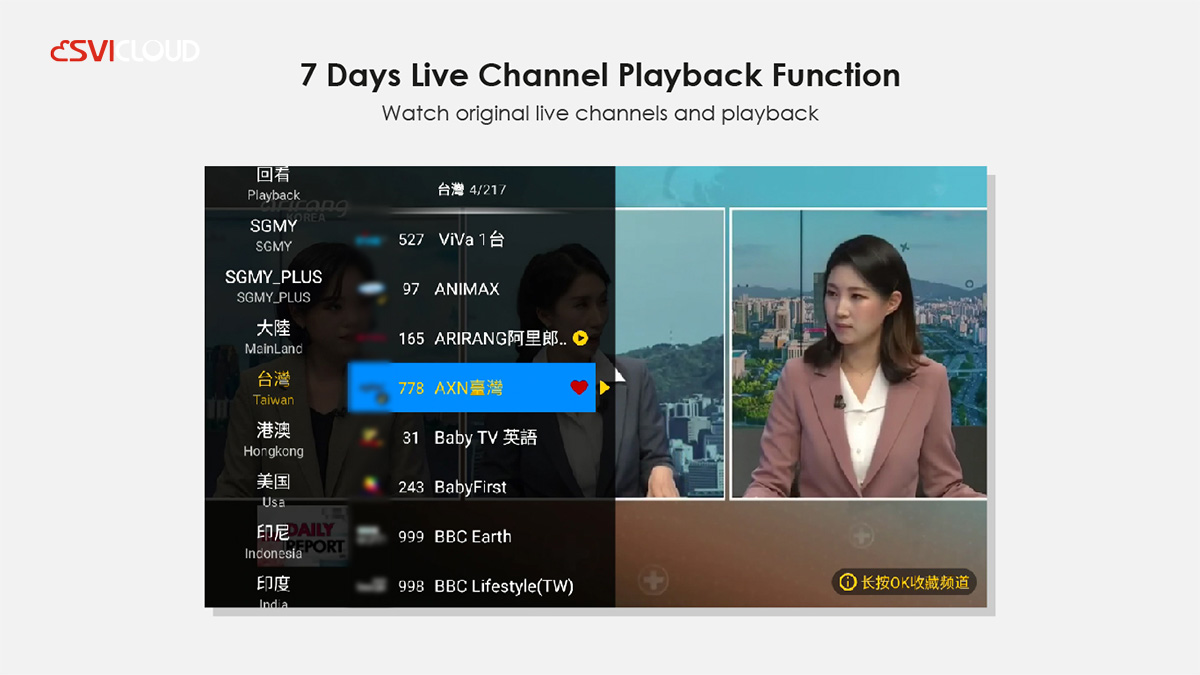
✅ Live sports + 7-day playback
✅ Exclusive Kids Zone – safe and family-friendly
✅ Karaoke support – sing unlimited songs
✅ Cut cable TV costs and save money every day
Q. What's the difference between EVPAD, Unblock Tech, SviCloud, GetMax, and DIGIBox?
➤ EVPAD / Unblock Tech / SviCloud / GetMax
Popular global Android TV box brands:
Suitable for users who want Chinese, Hong Kong, Taiwan, Korean, Japanese, US, UK, and global channels
Rich content, including TV shows, movies, sports, and adult channels
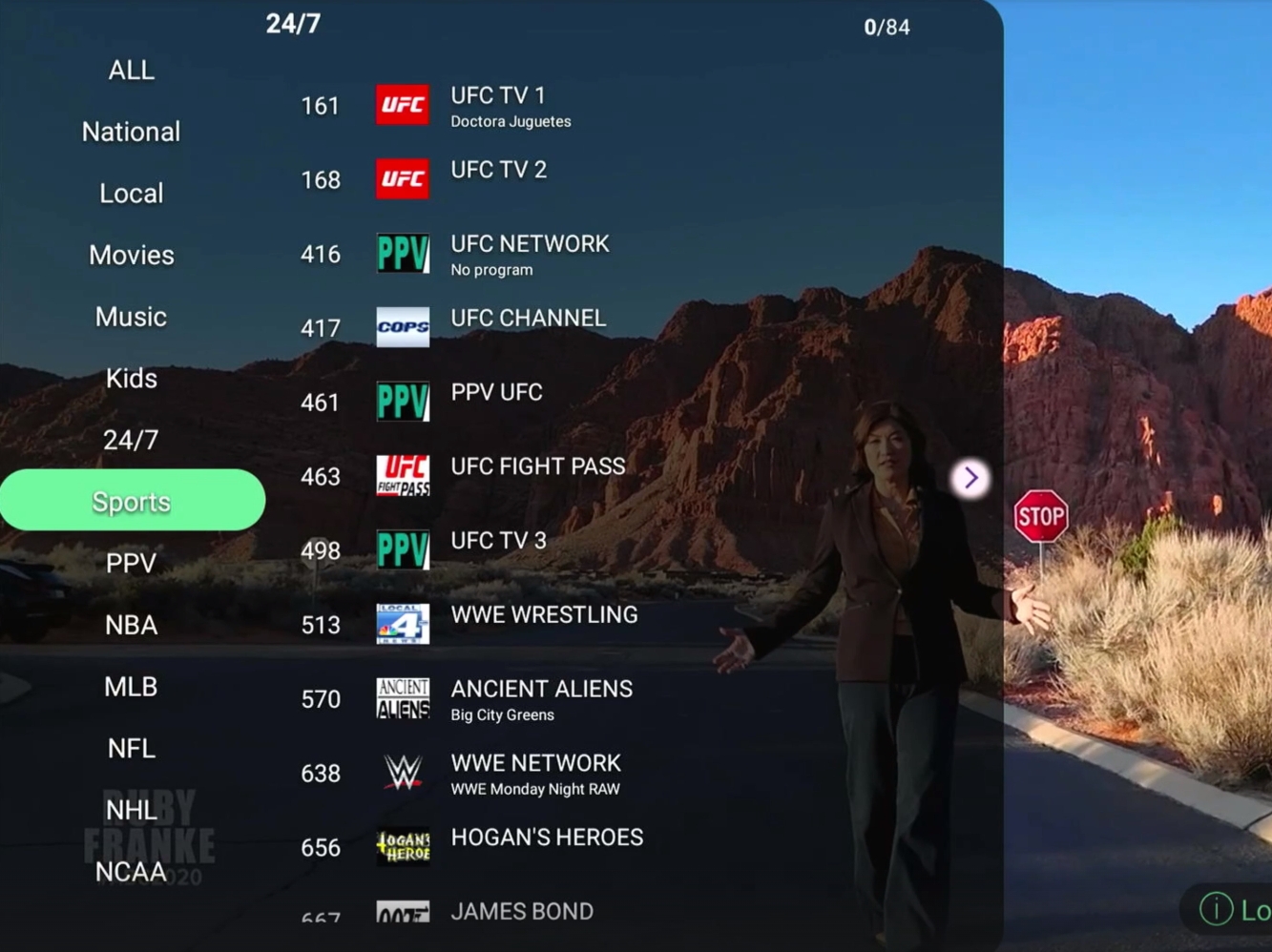
DIGIBox:
Designed mainly for the USA, Canada, and Japan
Ideal for sports fans
Supports major sports channels such as the NFL, NBA, NHL, NCAA, MLB, etc.
Also includes Asian and South American channels
Q. What's the difference between EVPAD 12P and EVPAD 12S?
➤ EVPAD 12P (Recommended)
4GB RAM + 64GB Storage
No channel region restrictions
AI voice remote control
EVPAD 12S
2GB RAM + 32GB Storage
No USA / Canada / UK / Indonesia channels
Standard Bluetooth remote
⭐ We highly recommend EVPAD 12P for better performance and value.
Q. Which TV box do you recommend?
➤ There is no single "best" box for everyone.
The right choice depends on:
Which countries' channels do you want
Whether you need sports channels
Storage and performance requirements
Voice control or app installation needs
➥Contact us for personalized recommendations.
Q. Are your TV boxes international versions?
➤ Yes.
All our TV boxes are international versions, usable worldwide with no regional restrictions.
⚠️ Customized versions (Taiwan / Indonesia / Malaysia, etc.) sold elsewhere:
Have fewer channels
Can only be used in specific countries
Cannot be used abroad
May be cheaper but offer lower overall value
Q. What's the power plug of the TV box?
For Unblock Tech(UBox), Svicloud, and EVPAD
➤ We provide 4 different power plugs: US, UK, EU, and AU.
➤ Please choose the one you need. Contact us if you are not sure which plug you need.
UK Plug applies to:
United Kingdom, Ireland, Malta, Cyprus, Hong Kong, Singapore, Malaysia, United Arab Emirates (UAE), Saudi Arabia, Qatar, Kuwait
US Plug applies to:
United States, Canada, Mexico, Japan, Taiwan, Philippines, Thailand, Colombia, Costa Rica, Panama
EU Plug applies to:
Germany, France, Italy, Spain, Netherlands, Belgium, Austria, Greece, Portugal, South Korea, Turkey
AU Plug applies to:
Australia, New Zealand, Papua New Guinea, Fiji, China (mainland), Argentina
DIGIBox and GetMax just have US plus. DIGIBox is a type-C plug, so please don't worry about how to choose the plug model.
Q. Why are your prices higher than those of some other sellers?
➤ We sell official, authorized products only, following the official retail pricing.
Many customers report issues after buying from unofficial sellers:
Locked or unusable devices
No warranty or support
Seller disappears after purchase
✅ Buying from us guarantees:
Authentic products
Official warranty
Reliable after-sales service
Q. Is the TV box legal to use and sell?
➤ Yes.
The TV box runs a standard Android system
No apps are pre-installed
Users install apps on their own
✔️ Legal to use and sell
❌ Not allowed for public broadcasting (e.g. bars, shops)
Q. Can I use the TV box in my country?
➤ Yes.
As long as you have a stable internet connection, the TV box works worldwide, including:
USA, Canada, UK, Australia, Japan, South Korea, Hong Kong, Southeast Asia, Europe, and more.
Q. What internet speed is recommended?
➤ For SvilCloud, UBox, EVPAD, and GetMax, Minimum: 50 Mbps unlimited internet
For DIGIBox: 100 Mbps recommended
We use global CDN servers for fast and stable streaming.
Q. Does the TV box support the Google Play Store?
➤ Yes.
All devices come with the Google Play Store pre-installed.
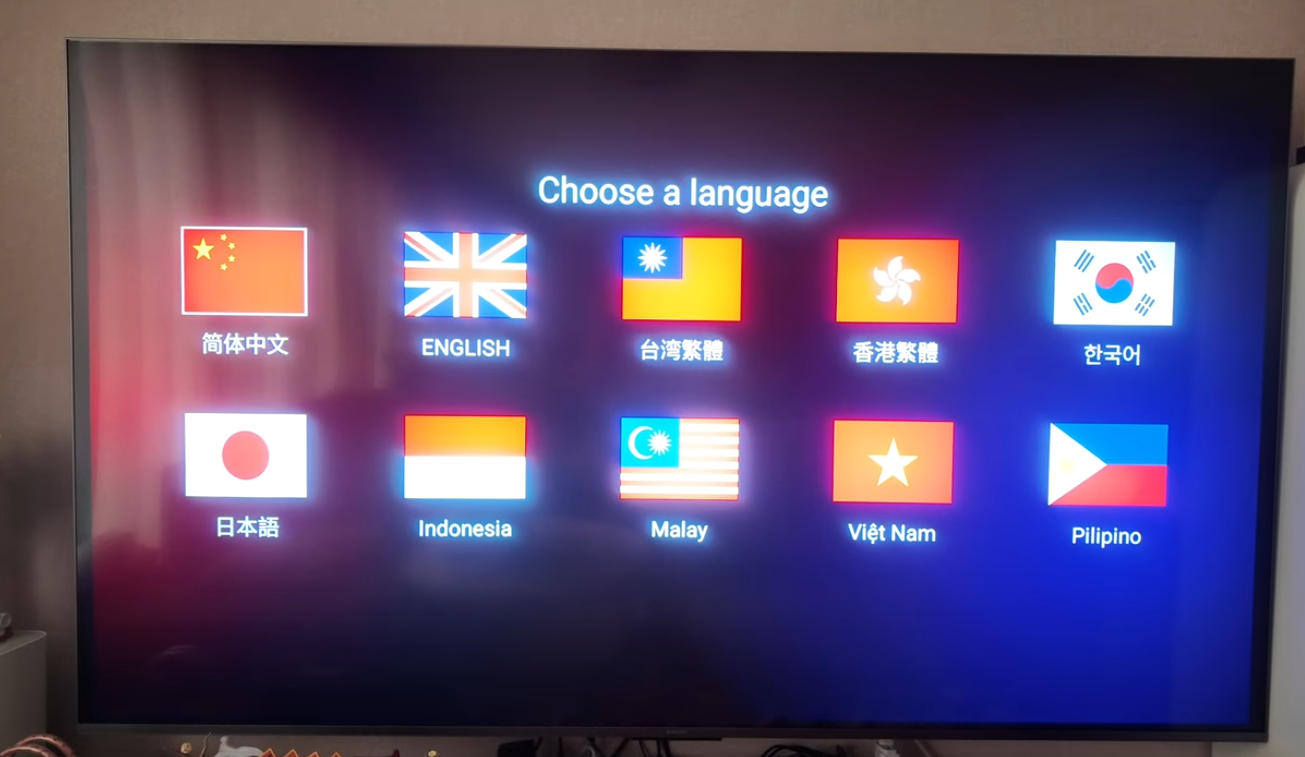
Q. What languages are supported?
➤ UI supports 12 languages:
English, Simplified Chinese, Traditional Chinese, Spanish, Vietnamese, Japanese, Malay, Indonesian, Thai, Korean, Filipino, Portuguese.
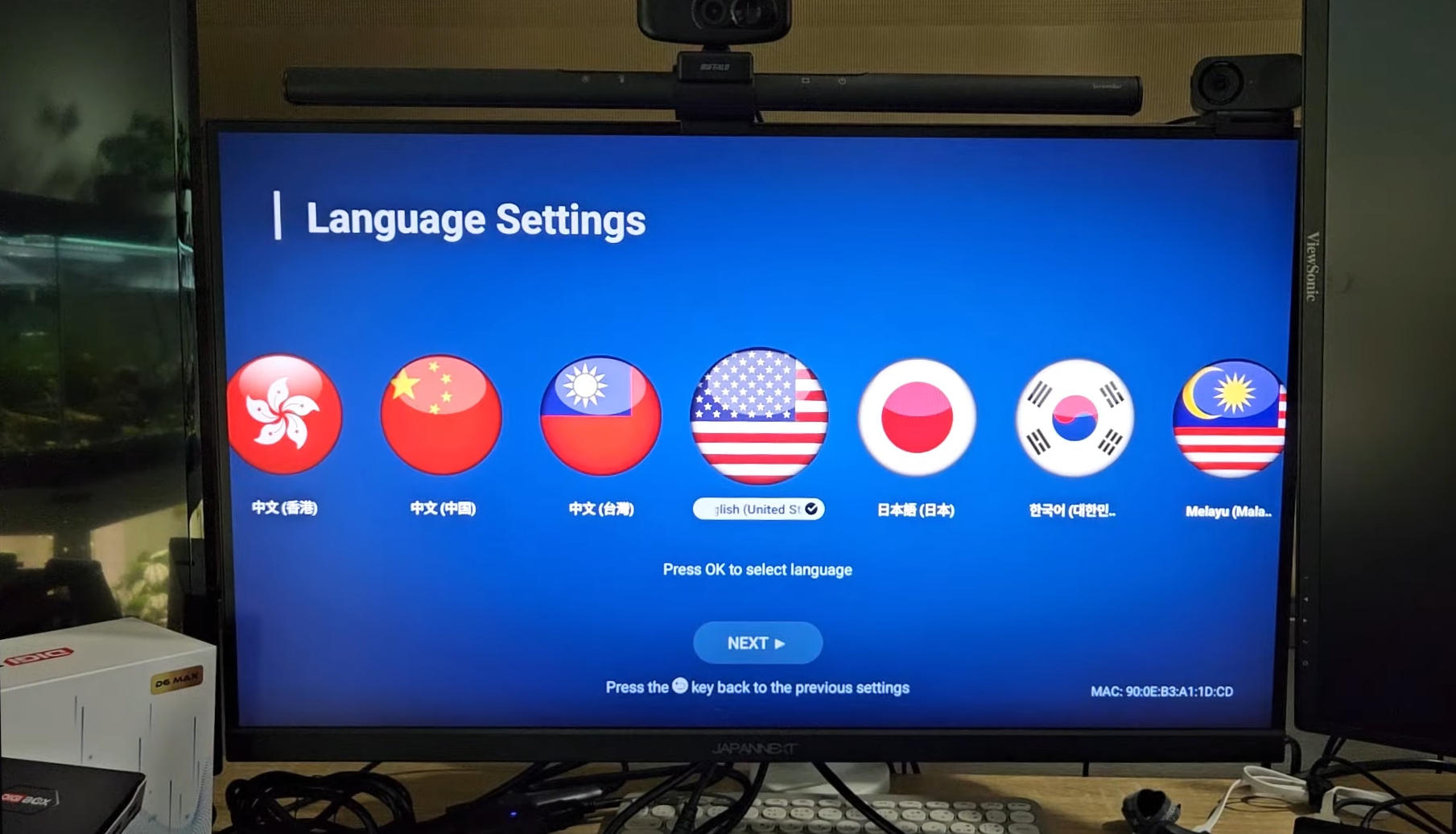
Q. How do I find the MAC address?
➤ On the back of the TV box
Or on the home screen after booting
➥ About Payment
Q. Is it safe to pay on your website?
➤ Yes, 100% safe.
We support:
VISA / MasterCard / American Express / JCB
WeChat Pay / Alipay
USDT (Crypto)
Q. Why did my credit card payment fail?
➤ Common reasons:
Incorrect card info or 3D verification not completed
Payment limit: max 3 attempts per 24 hours
The bank flagged the transaction as suspicious
✔️ Try another card or contact your bank if needed.
Q. Can I get a discount?
➤Discounts available for multiple purchases
Wholesale & reseller programs available
➥Contact us for a special coupon code
Q. Do you sell on Amazon, eBay, or other platforms?
➤ No.
We only sell on our official website.
Reason:
Third-party platforms charge extra taxes
No proper after-sales service
Buying from our website includes:
1-year warranty
Free replacement if defective
Lifetime free software updates
➥ About Shipping
Q. Do you offer worldwide shipping?
➤ Yes.
We ship to 200+ countries with free worldwide shipping via DHL, FedEx, or UPS.
⚠️ Shipping not available to Mainland China
(Hong Kong, Macau, and Taiwan are supported)
Q. How long does shipping take?
➤ Processing: 1–2 business days
Delivery: 3–7 business days with DHL/UPS/FedEx. For some countries, we will ship via special dedicated shipping lines, and the delivery time will take approximately 15–17 days.
Q. Do I need to pay customs or tax?
➤ Most international orders to North America and Europe may be subject to customs duties and taxes, depending on your country’s customs regulations and policies.
Packages are declared at a low value or as gifts.
If customs fees occur, they are typically minimal.
➥ About After-Sales Service
Q. What warranty do you offer?
➤ 1-year warranty
1-to-1 replacement
No monthly or annual fees
Q. What if my TV box has a problem?
➤ If not caused by misuse: Free replacement
For out-of-warranty or man-made damage:
Repair service available via our Hong Kong factory (service fee applies)
Q. Can you support TV boxes bought elsewhere?
➤ Software/App issues: contact the brand's support
Hardware issues: contact the original seller
⚠️ We are only responsible for products purchased from our store.
For inquiries or assistance, feel free to contact us:
WhatsApp/Telegram/WeChat: +852-54359812
Email: sales@androidtvbox.com
-
Product reviews can be carried out after the member login, please click here to login
Sold:
753
You May Like
-
¥42798.01
-
¥33664.01
-
¥34968.87
-
¥35099.35


