 USD
USD EUR
EUR GBP
GBP CAD
CAD AUD
AUD HKD
HKD JPY
JPY KRW
KRW SGD
SGD NZD
NZD THB
THB TWD
TWD 繁體中文
繁體中文 日本語
日本語 한국어
한국어 English


By Android TV Box | 16 April 2026 | 0 Comments
GetMax G12 Review: A Stable Android TV Box with Strong Sports Content
In today's streaming world, Android TV boxes continue to evolve, offering users more flexibility and access to global content. In this review, we take a closer look at the GetMax G12, a device that promises stability, smooth performance, and a wide range of international channels—especially for sports lovers.
After spending some time testing it, here's a full breakdown of what you can expect.
First Impressions & Design
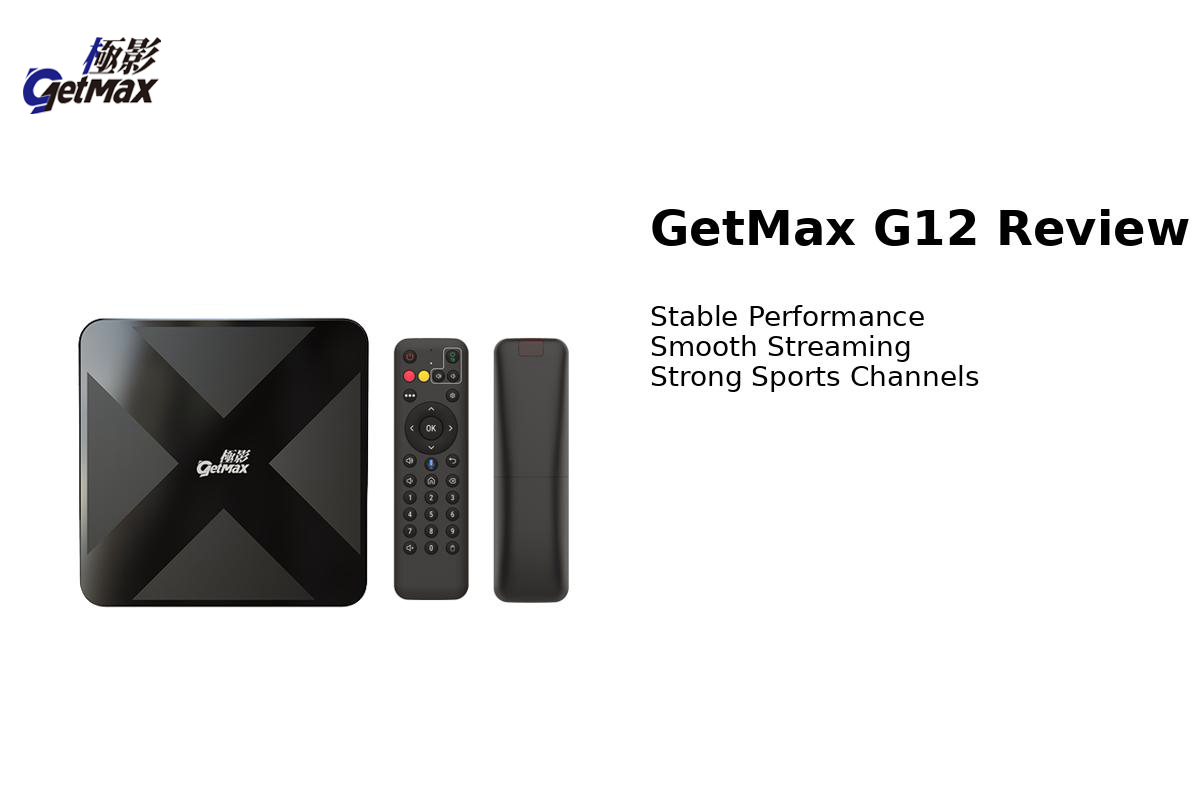
The GetMax G12 stands out with a slightly unique design. The top of the device features an "X"-style pattern, giving it a more modern and aggressive look compared to standard TV boxes.
Another notable design choice is the elevated base. The device sits on four raised feet, creating additional space underneath for better heat dissipation. This helps maintain stable performance during long viewing sessions.
In terms of ports, the G12 includes:
HDMI output
Ethernet port (Gigabit LAN)
2 × USB 2.0 ports
microSD card slot
These options provide enough flexibility for external storage and wired internet connections. One downside, however, is that the power supply is not USB-based, which would have made the setup more convenient.
Remote Control: A Small but Important Upgrade
One feature that really deserves praise is the backlit remote control.
This might sound like a small detail, but it makes a big difference—especially when using the device in a dark room. Being able to clearly see the buttons improves usability and adds a premium feel to the overall experience.
Hardware & Performance
The GetMax G12 is powered by:
A53 quad-core processor
4GB RAM
64GB internal storage
Android 12 operating system
It also supports:
Dual-band Wi-Fi
Bluetooth 5.2
Gigabit Ethernet
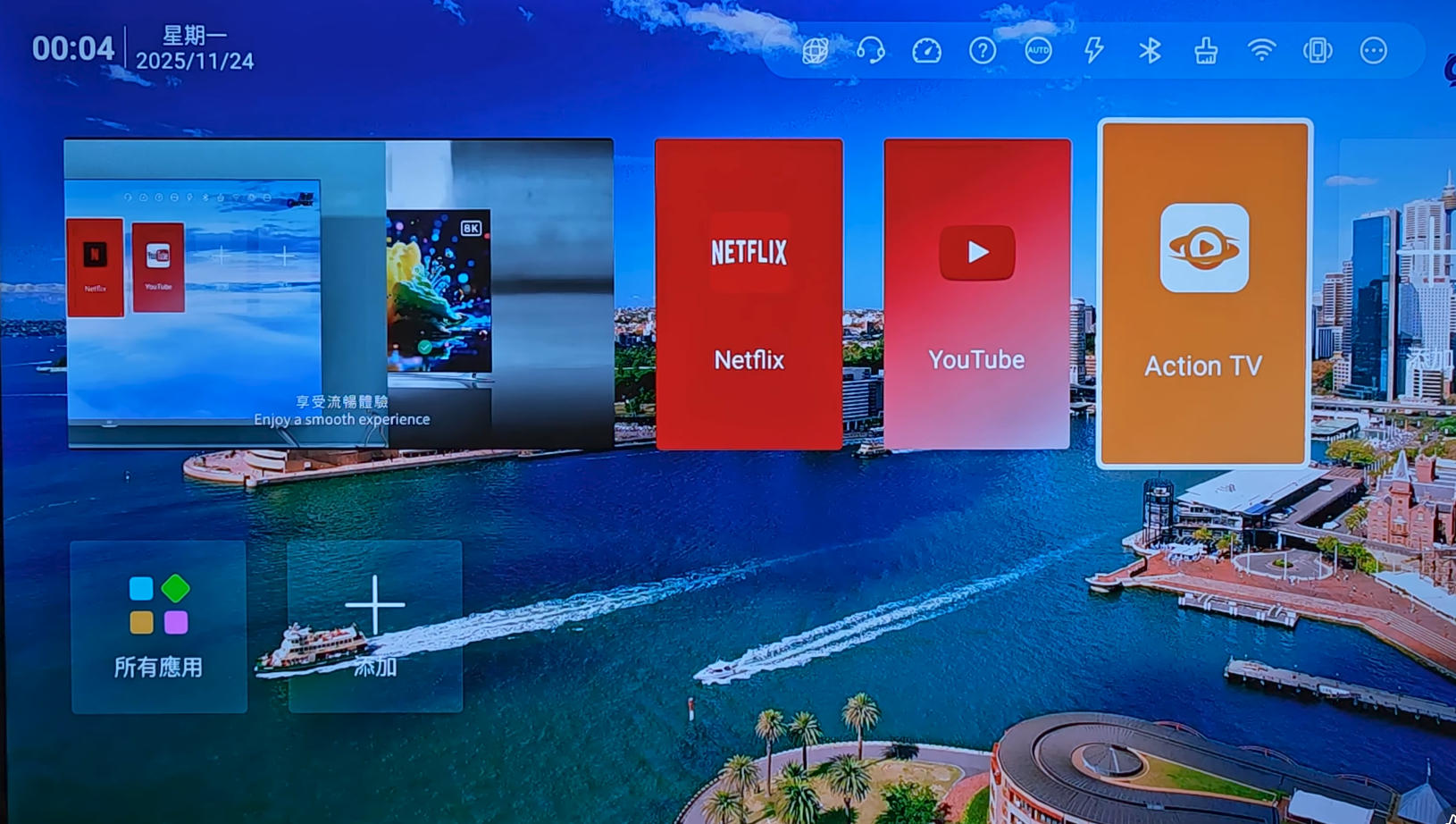
In real-world usage, the performance is smooth and responsive. App switching, navigation, and general operations feel fluid thanks to the 4GB RAM. While the interface is fairly standard and similar to other Android TV boxes, it gets the job done without unnecessary complexity.
Content & Streaming Experience
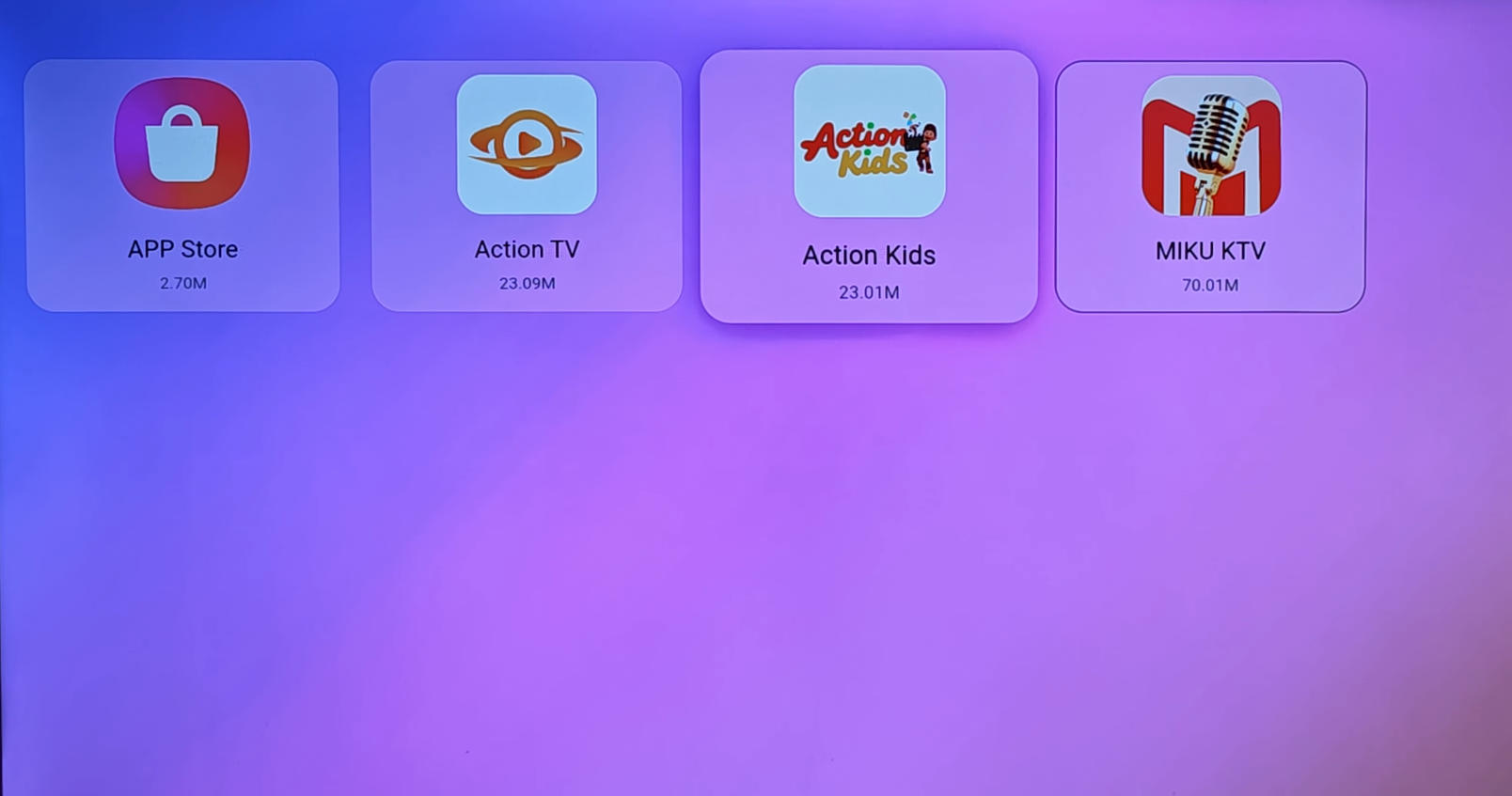
Setting up the content apps is straightforward. By entering a specific code within the system, users can access and install dedicated streaming applications.
Once installed, the G12 offers:
Live TV channels from multiple countries
Movies and TV series
On-demand content
Live TV Performance
One of the highlights is the fast channel switching speed. Channels load quickly, and the overall streaming experience is stable.
Additional features include:
Clear video quality
Playback (catch-up) support on selected channels
A wide selection of sports channels
For users who enjoy watching international sports events, the G12 has a noticeable advantage over many competitors.
Mobile Streaming Feature
A unique feature of the G12 is its QR code integration within the Action TV app.
By scanning the QR code, users can:
Watch live TV on their smartphone or tablet
Access movies and series on mobile devices
This effectively allows a dual-screen experience—one on the TV and one on a mobile device.
However, there is a limitation:
This feature currently works only on Android devices
iPhone users are not supported
Overall Verdict
The GetMax G12 may not reinvent the Android TV box category, but it delivers where it matters most: stability, speed, and content availability.
Pros:
Smooth and stable performance
Fast channel switching
Backlit remote control
Strong selection of sports channels
Catch-up playback support
Mobile streaming feature (Android)
Cons:
No USB-powered design
Limited innovation in UI/design
Mobile feature not available for iOS
Final Thoughts
If you are looking for a reliable Android TV box with a strong focus on live TV and sports content, the GetMax G12 is a solid choice.
While it shares similarities with other devices on the market, its stability and sports channel availability give it a slight edge—especially for users who prioritize live international broadcasts.
For casual viewers and sports fans alike, the G12 offers a well-balanced streaming experience without major drawbacks.
After spending some time testing it, here's a full breakdown of what you can expect.
First Impressions & Design
The GetMax G12 stands out with a slightly unique design. The top of the device features an "X"-style pattern, giving it a more modern and aggressive look compared to standard TV boxes.
Another notable design choice is the elevated base. The device sits on four raised feet, creating additional space underneath for better heat dissipation. This helps maintain stable performance during long viewing sessions.
In terms of ports, the G12 includes:
HDMI output
Ethernet port (Gigabit LAN)
2 × USB 2.0 ports
microSD card slot
These options provide enough flexibility for external storage and wired internet connections. One downside, however, is that the power supply is not USB-based, which would have made the setup more convenient.
Remote Control: A Small but Important Upgrade
One feature that really deserves praise is the backlit remote control.
This might sound like a small detail, but it makes a big difference—especially when using the device in a dark room. Being able to clearly see the buttons improves usability and adds a premium feel to the overall experience.
Hardware & Performance
The GetMax G12 is powered by:
A53 quad-core processor
4GB RAM
64GB internal storage
Android 12 operating system
It also supports:
Dual-band Wi-Fi
Bluetooth 5.2
Gigabit Ethernet
In real-world usage, the performance is smooth and responsive. App switching, navigation, and general operations feel fluid thanks to the 4GB RAM. While the interface is fairly standard and similar to other Android TV boxes, it gets the job done without unnecessary complexity.
Content & Streaming Experience
Setting up the content apps is straightforward. By entering a specific code within the system, users can access and install dedicated streaming applications.
Once installed, the G12 offers:
Live TV channels from multiple countries
Movies and TV series
On-demand content
Live TV Performance
One of the highlights is the fast channel switching speed. Channels load quickly, and the overall streaming experience is stable.
Additional features include:
Clear video quality
Playback (catch-up) support on selected channels
A wide selection of sports channels
For users who enjoy watching international sports events, the G12 has a noticeable advantage over many competitors.
Mobile Streaming Feature
A unique feature of the G12 is its QR code integration within the Action TV app.
By scanning the QR code, users can:
Watch live TV on their smartphone or tablet
Access movies and series on mobile devices
This effectively allows a dual-screen experience—one on the TV and one on a mobile device.
However, there is a limitation:
This feature currently works only on Android devices
iPhone users are not supported
Overall Verdict
The GetMax G12 may not reinvent the Android TV box category, but it delivers where it matters most: stability, speed, and content availability.
Pros:
Smooth and stable performance
Fast channel switching
Backlit remote control
Strong selection of sports channels
Catch-up playback support
Mobile streaming feature (Android)
Cons:
No USB-powered design
Limited innovation in UI/design
Mobile feature not available for iOS
Final Thoughts
If you are looking for a reliable Android TV box with a strong focus on live TV and sports content, the GetMax G12 is a solid choice.
While it shares similarities with other devices on the market, its stability and sports channel availability give it a slight edge—especially for users who prioritize live international broadcasts.
For casual viewers and sports fans alike, the G12 offers a well-balanced streaming experience without major drawbacks.


